Cloud restaurant POSNo more juggling systems
One cloud platform for dine-in, delivery, and everything in between. Kiosks, kitchen displays, and online ordering, all configured from the same place.
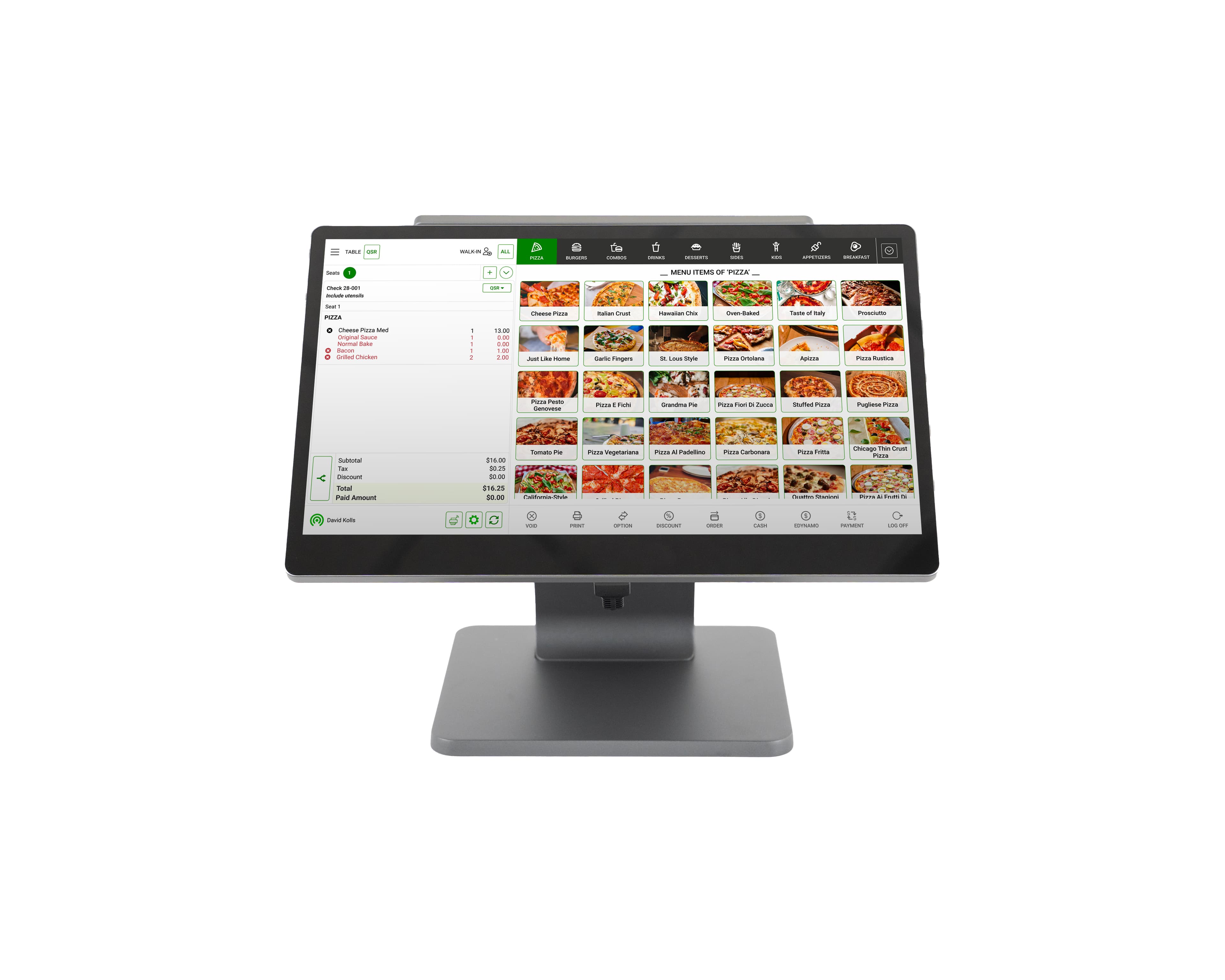
Integrate directly with third-party delivery apps, bookkeeping software, and more


Run your restaurant technology suite on one platform
Kiosks, kitchen display screens, and online ordering are configured from one place, which makes running a connected restaurant simpler.
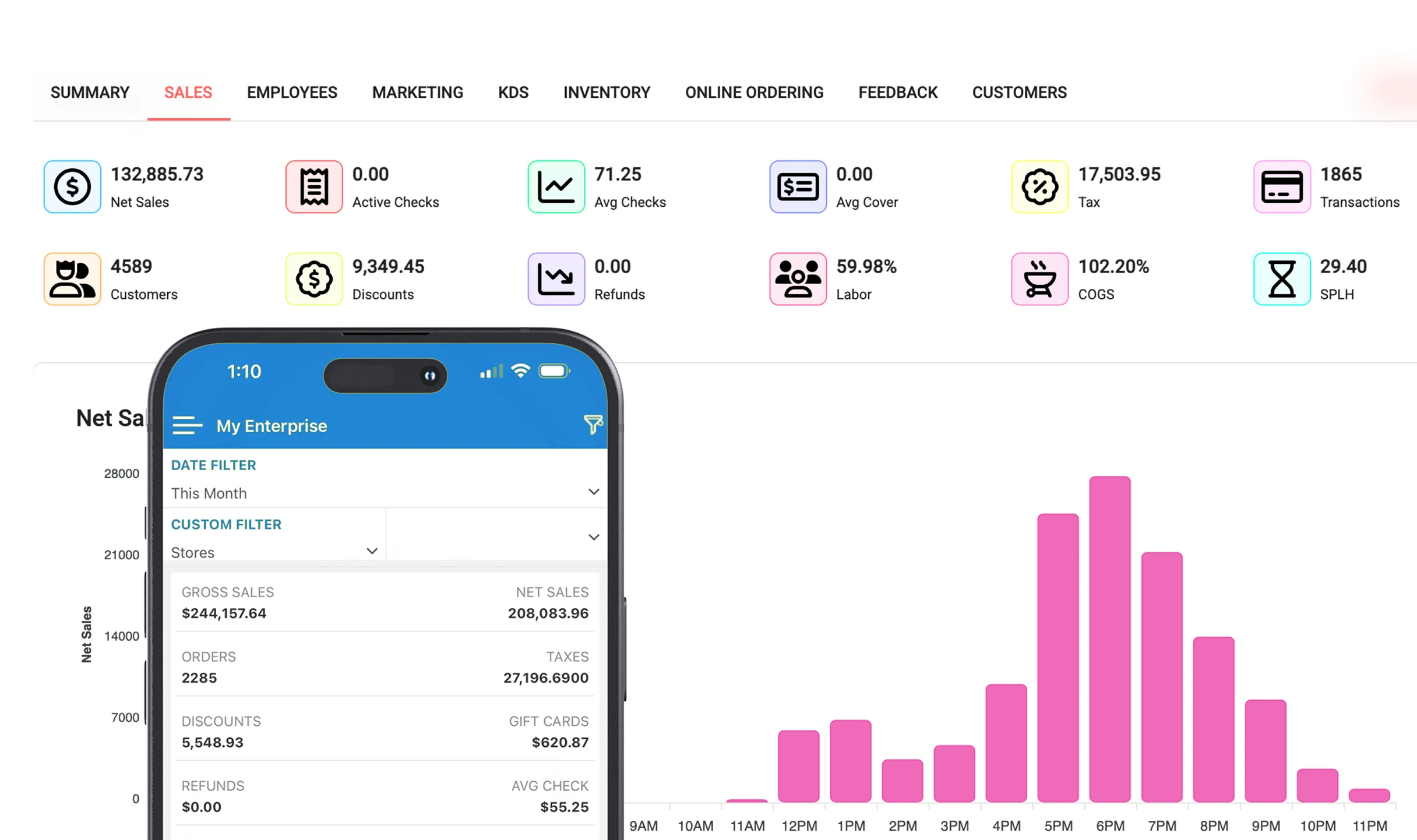
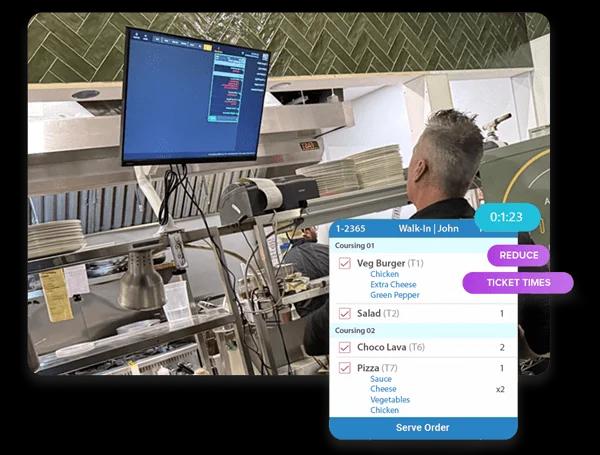
Faster service with instant KDS orders
Orders appear instantly with an optional loud alert, so staff never miss an order.
Boost order efficiency
- Strike through items as they are made so the line always knows what is left.
Perfect order routing
- Send each ticket to the right station automatically: grill, fry, bar, or expo.
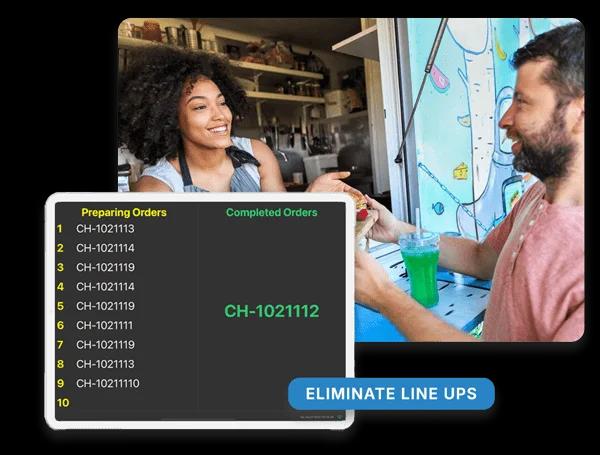
Seamless order tracking for your customers
Show real-time order updates on a screen, so customers know when their food is ready. Set it up easily with your KDS and a TV or monitor.
Keep lines moving
- Guests check their order and wait time on a screen connected to the KDS, so the counter stays calm.
Self-order kiosk
Speed up service, reduce labour costs, and let customers customize orders all on an easy to use kiosk.
Loyalty enrollment
- Guests join your loyalty program right at the kiosk.
Gift cards with ease
- Accept and redeem gift cards at the kiosk without staff help.
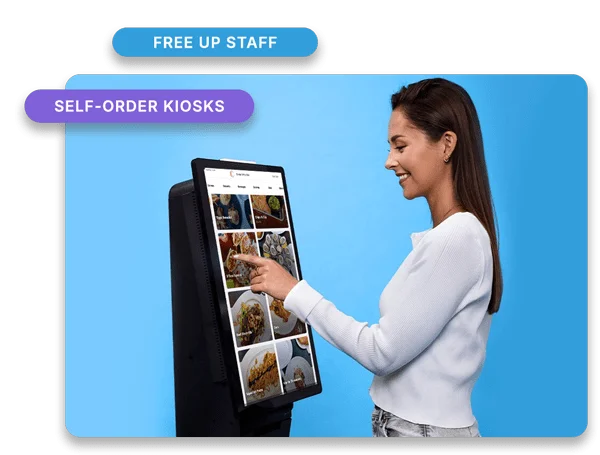
Complete hardware solutions
POS stations, detachable tablets, self-order kiosks, kitchen displays, printers, and payment terminals, all available in the CAVIAR POS shop.
Single-Screen Station
A one-screen station for taking orders and running the front counter.
- 15.6-inch screen
- Android 13
- Counter service
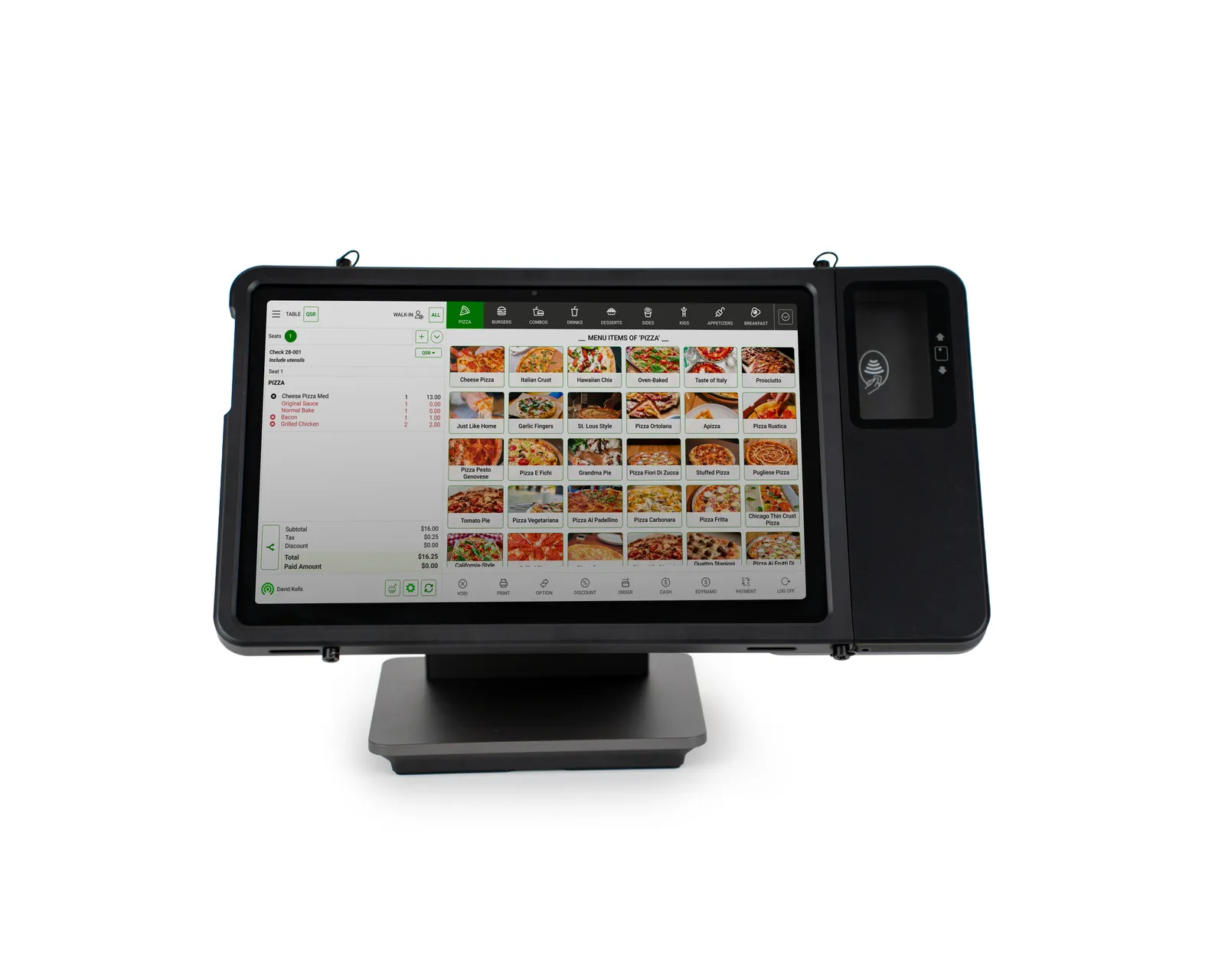
Detachable Tablet
Take orders anywhere on the floor, then dock it to print receipts and settle payments.
- Tableside
- Print stand option
- Case option
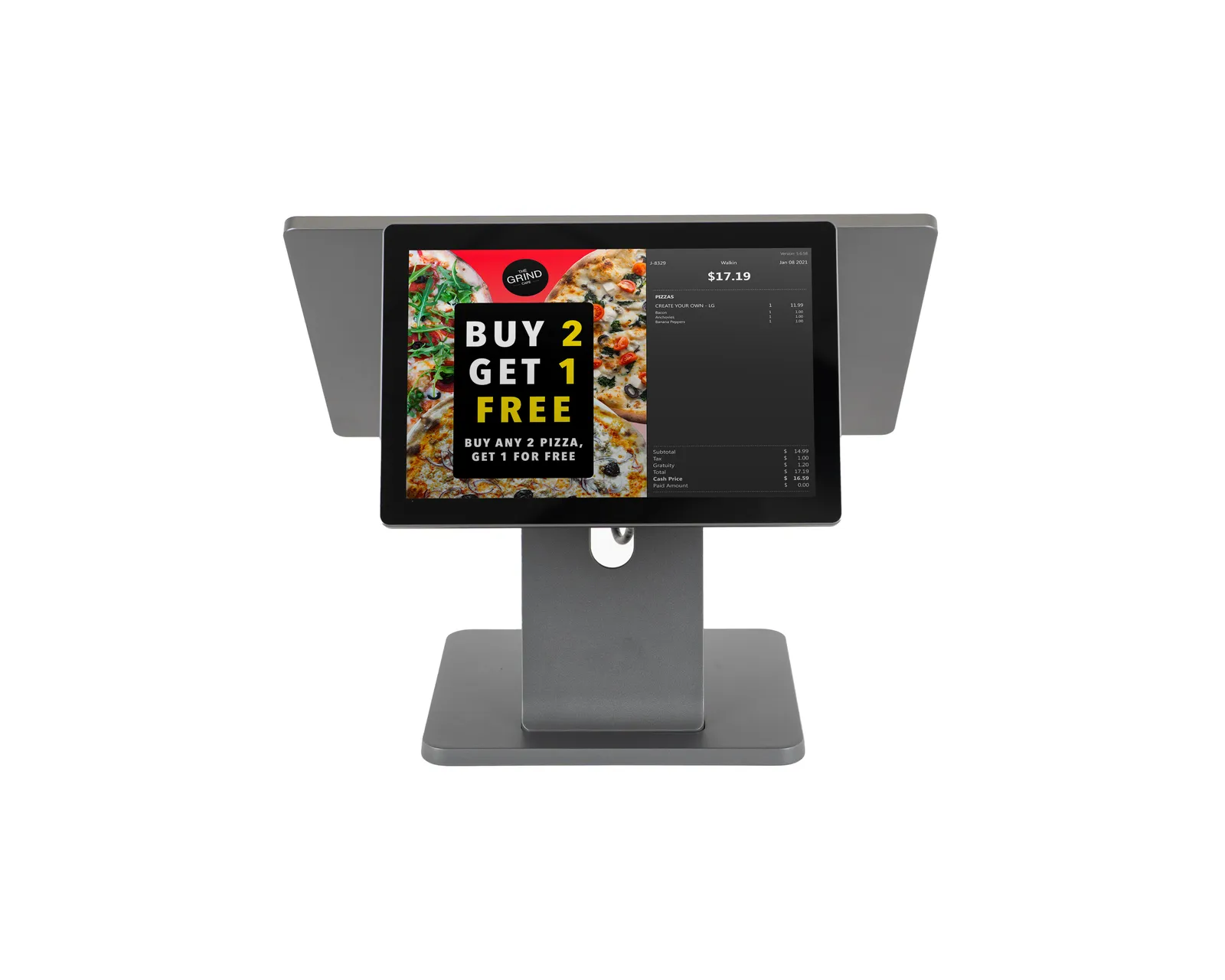
Dual-Screen Station
Staff and guests see the order at the same time, and the second screen runs promotions between orders.
- Dual screens
- 10-inch guest display
- Promotions
Features
Everything you need to run your restaurant
Select a feature set to learn more
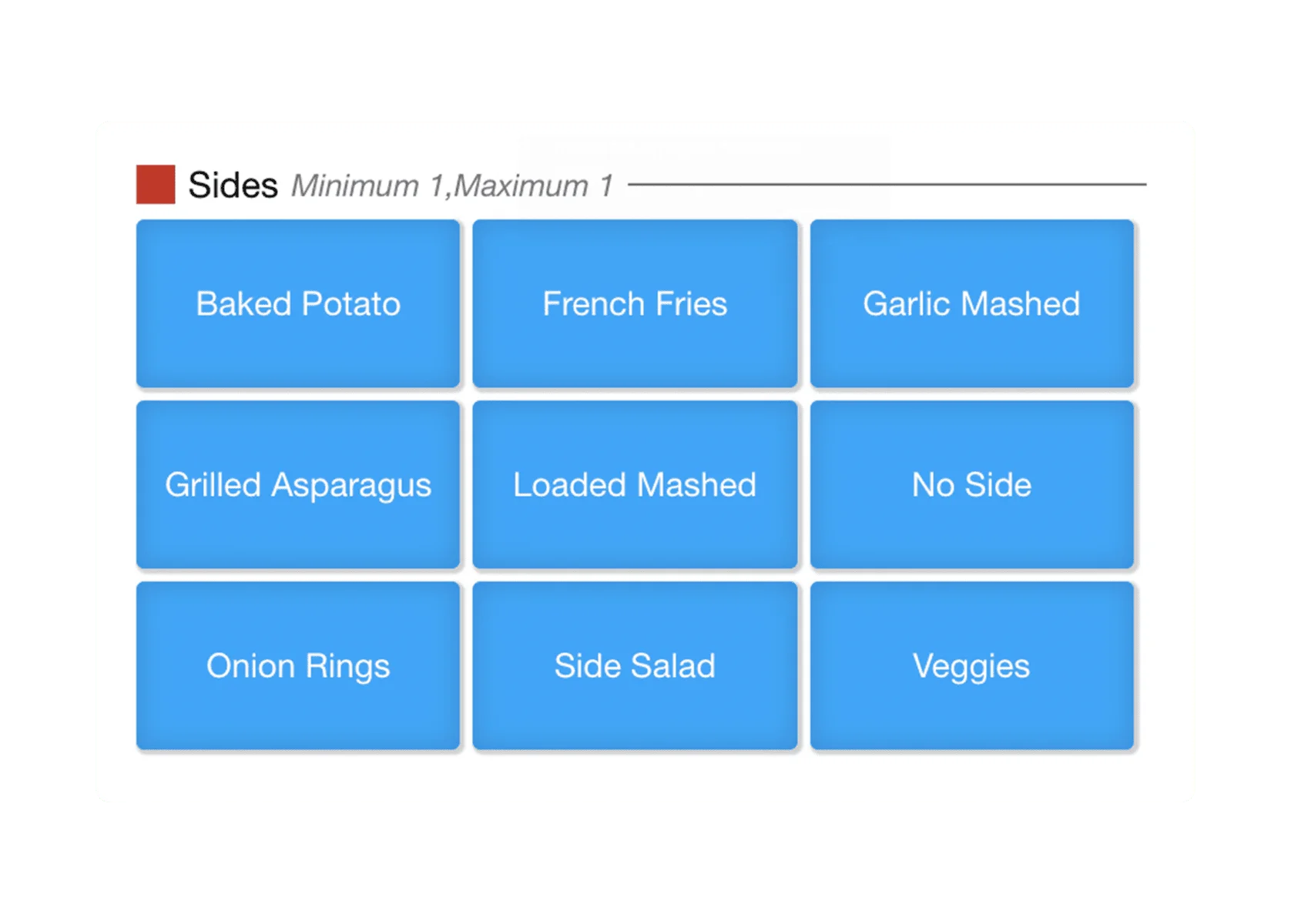
Modifiers & Modifier Groups
Let guests customize orders with add-ons, substitutions, and special requests.
- Menu
- Operations
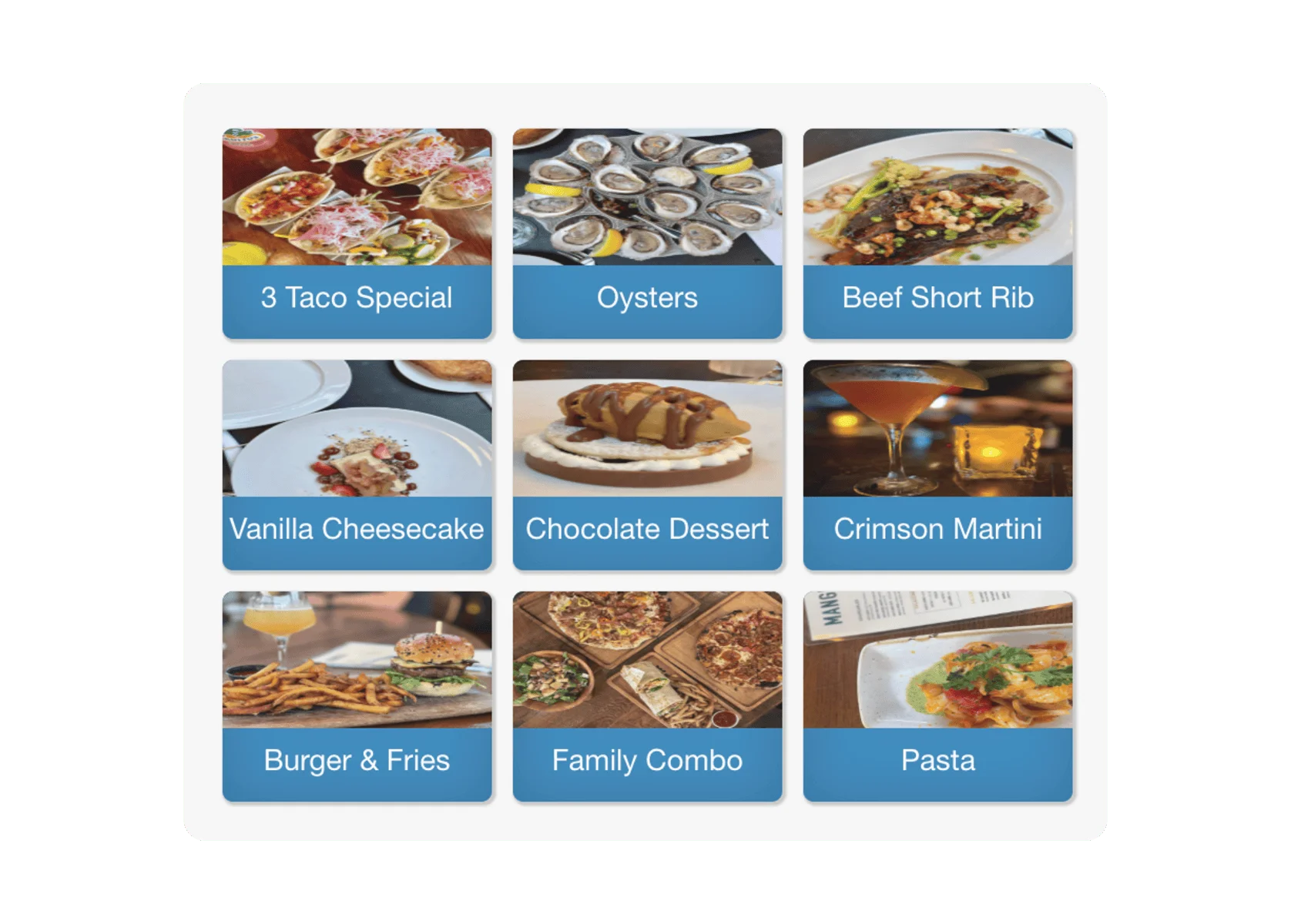
Button with Pictures
Image-based buttons help staff pick menu items faster and with fewer mistakes.
- Menu
- Operations
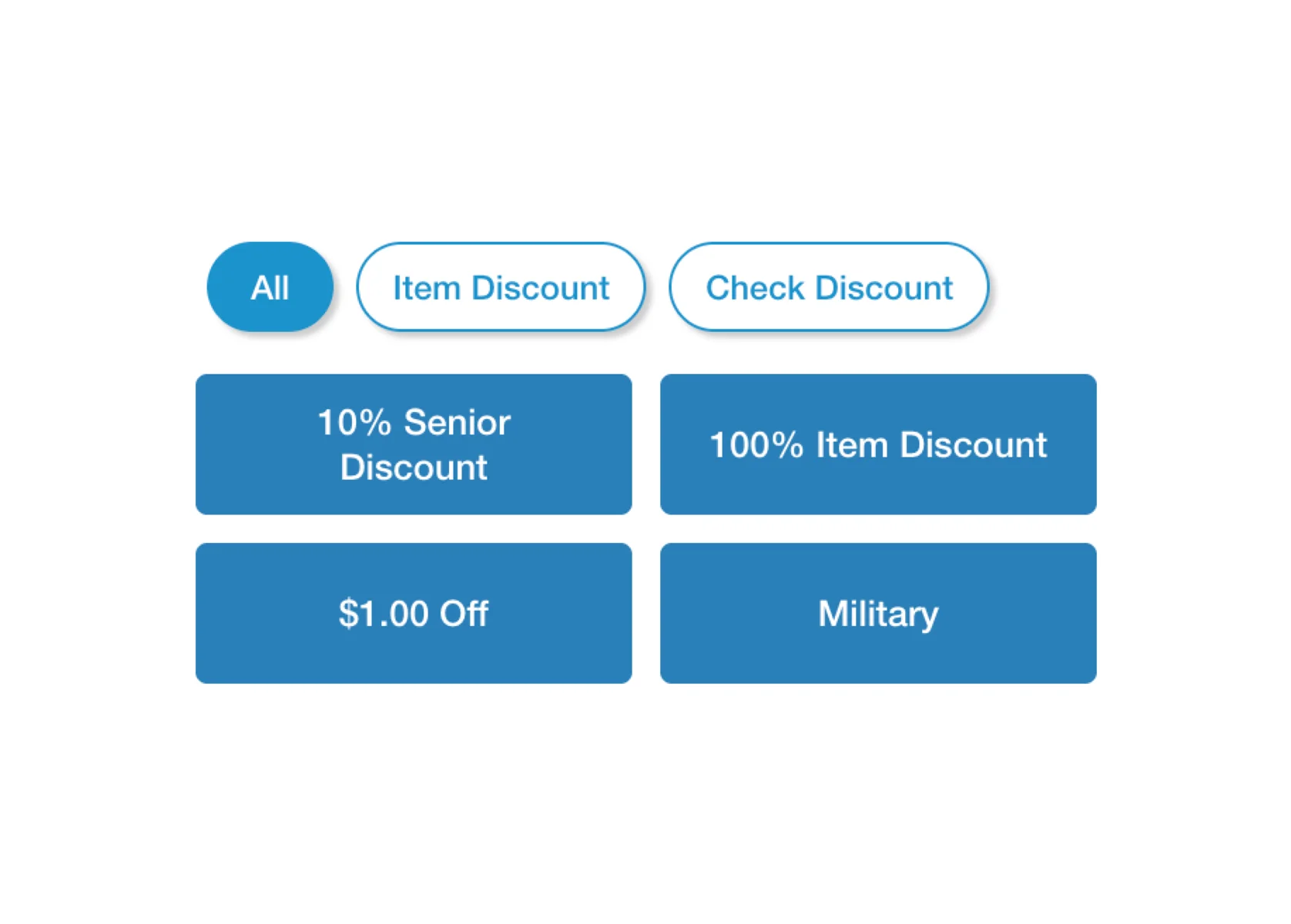
Discounts
Offer item-based, check-level, time-specific, and online coupon-code discounts.
- Marketing
- Sales
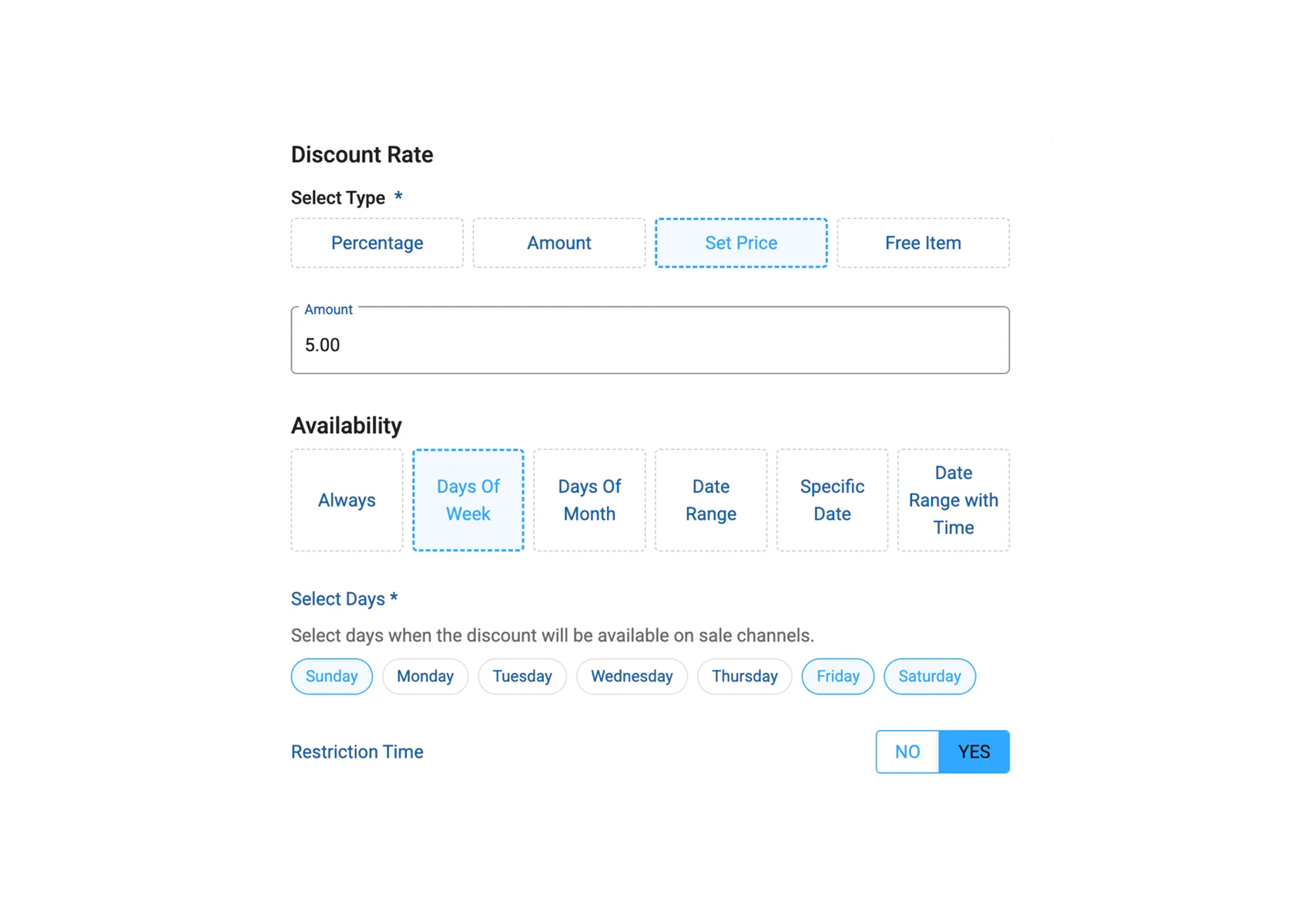
Happy Hours
Time-based pricing applies automatically during your slow periods.
- Marketing
- Sales
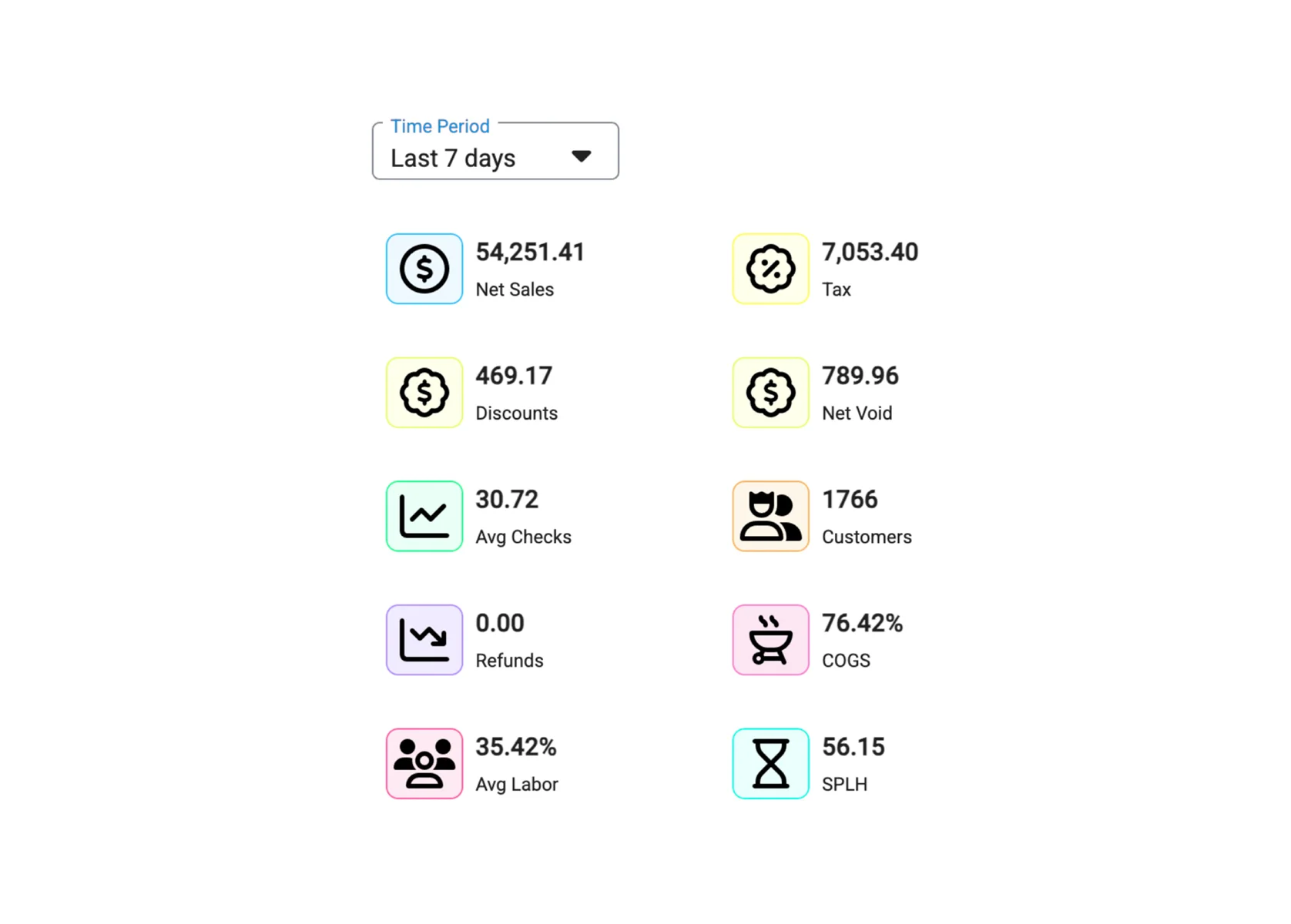
Sales Dashboard
Real-time sales metrics you can view from any device.
- Reporting
- Management
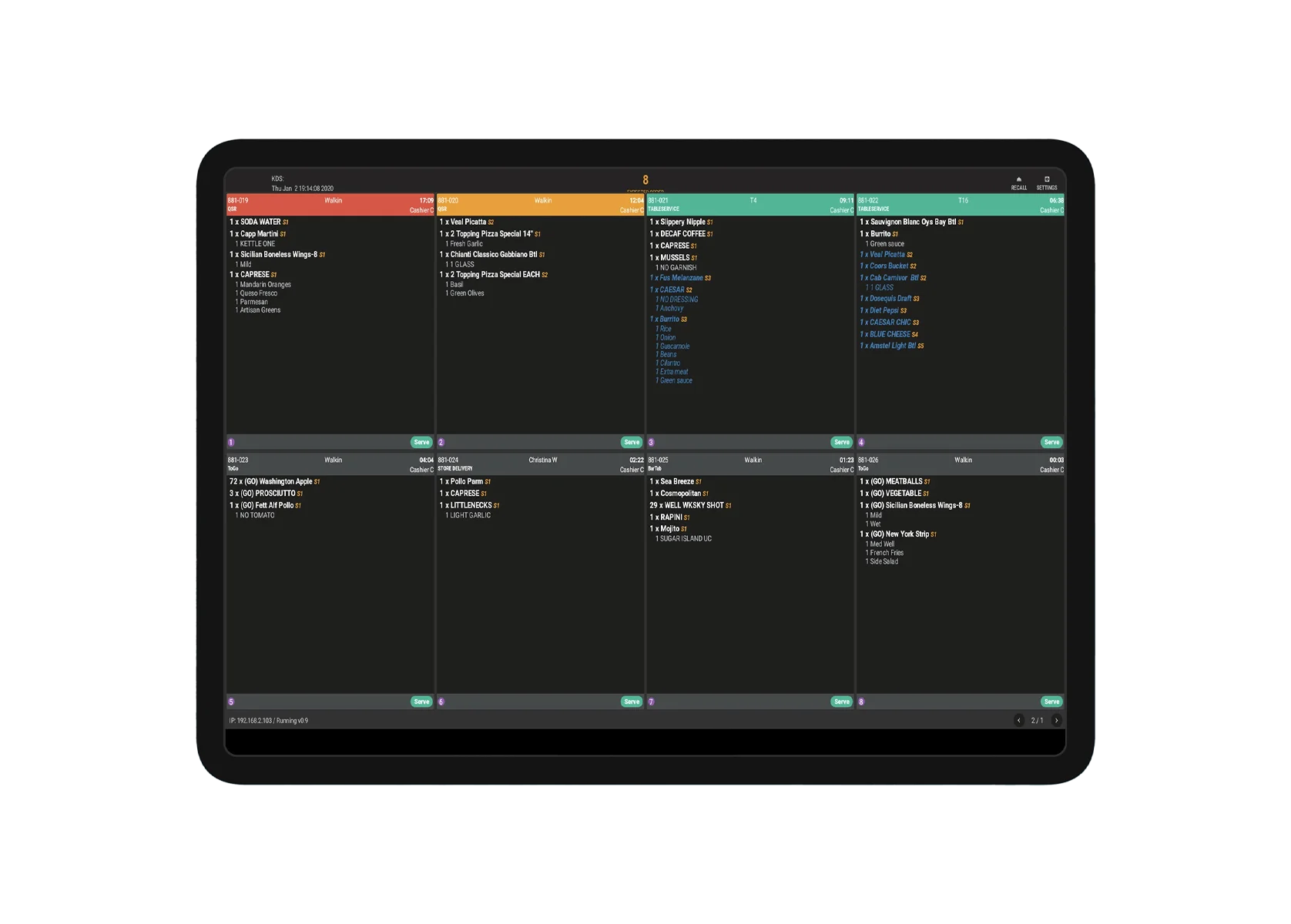
Kitchen Display System
Route orders to kitchen stations and track prep times.
- Operations
- Management
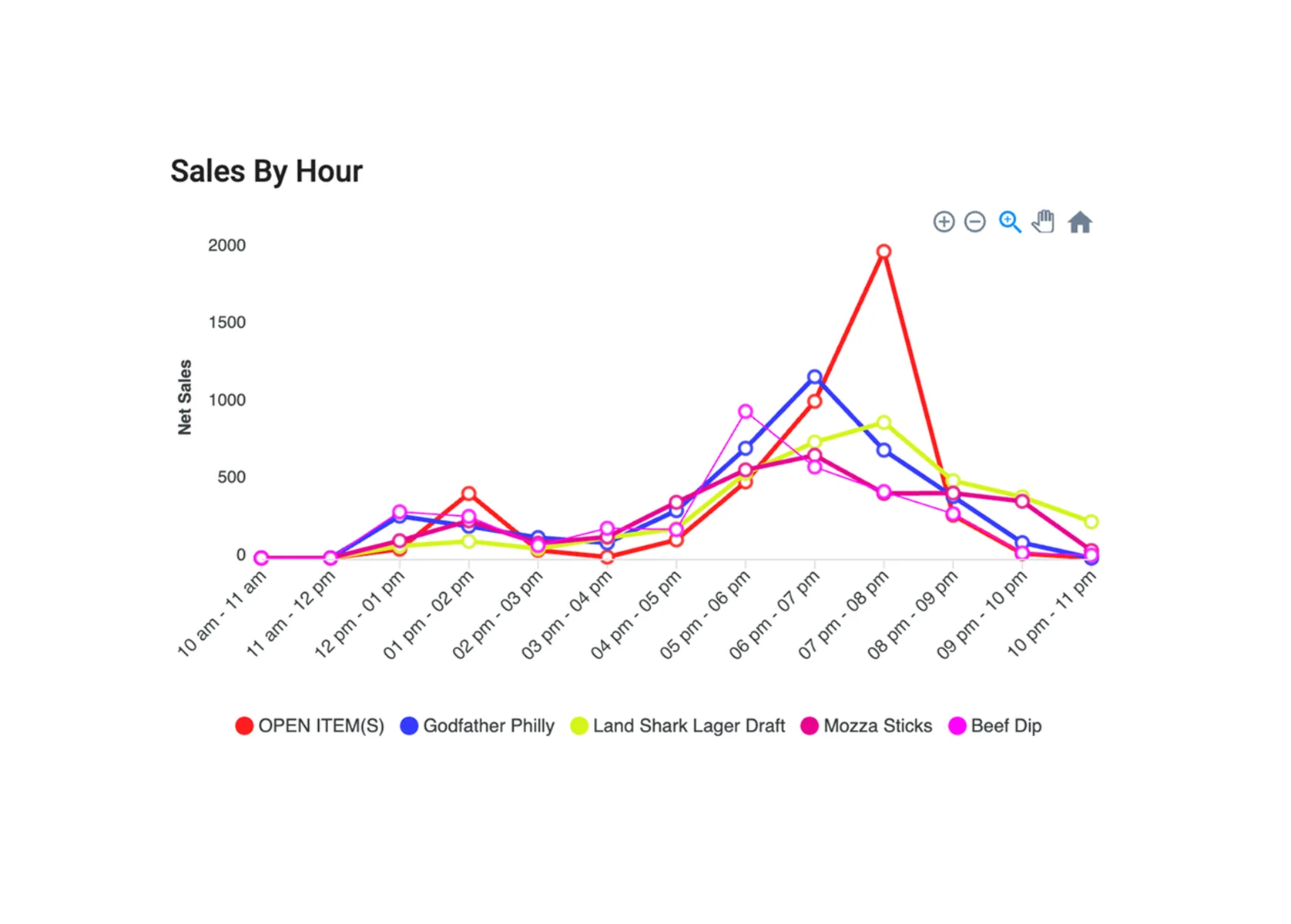
Reports & Analytics
Reports on sales, inventory, and staff for one location or many.
- Reporting
- Management
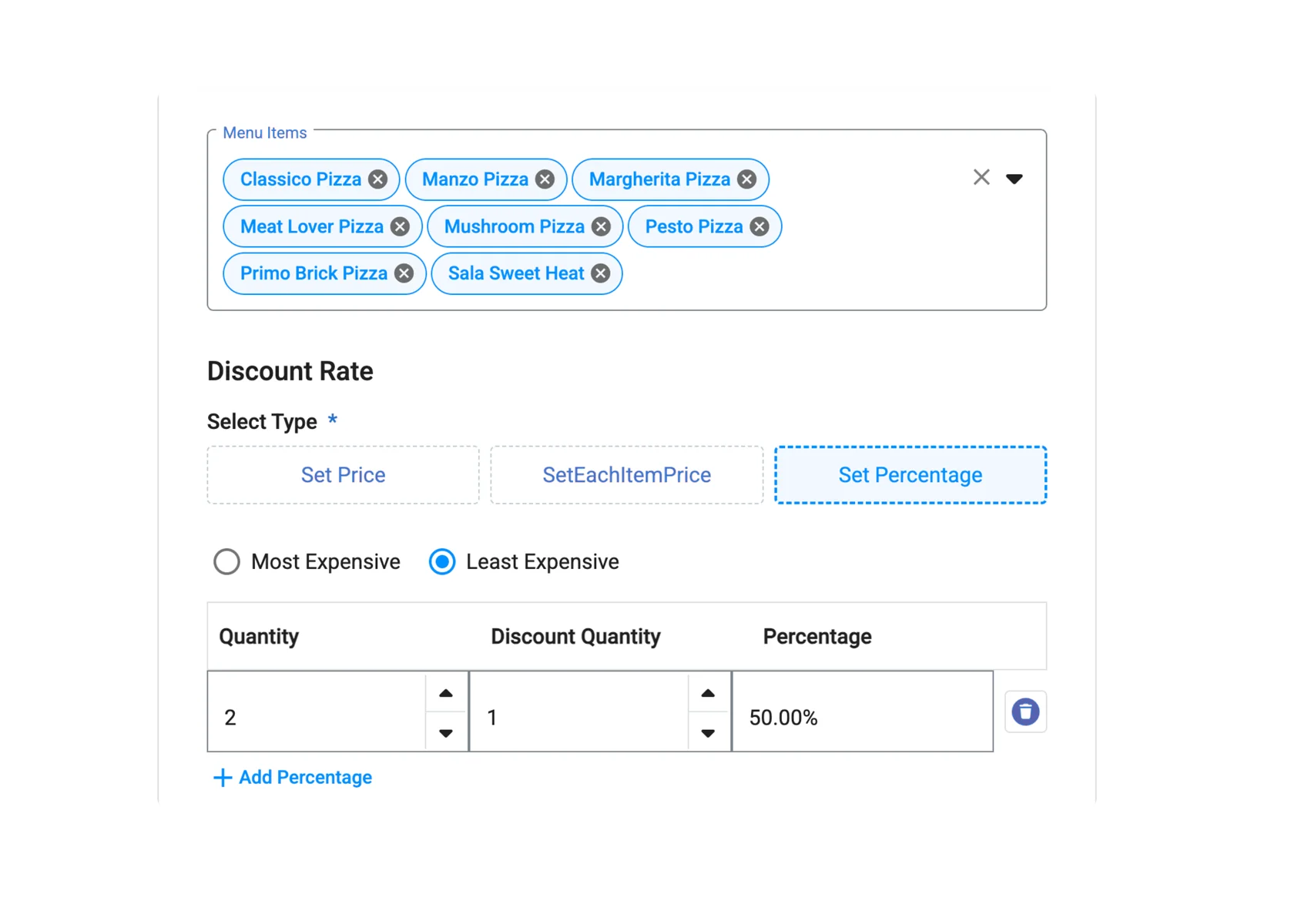
Combos
Bundle items at a combined price to encourage larger orders.
- Menu
- Sales
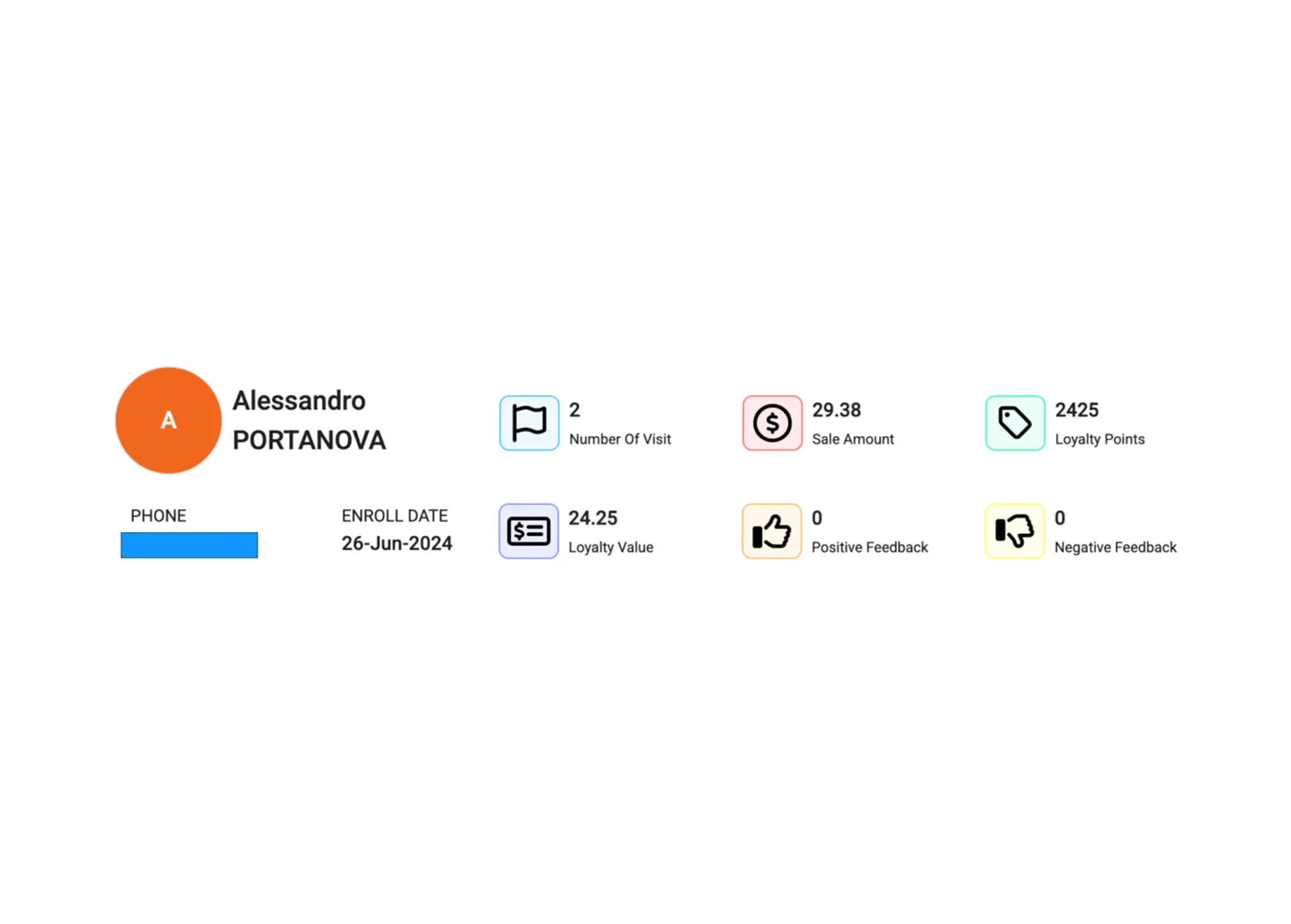
Customers
Keep customer records with order history, preferences, and loyalty points.
- Marketing
- Management
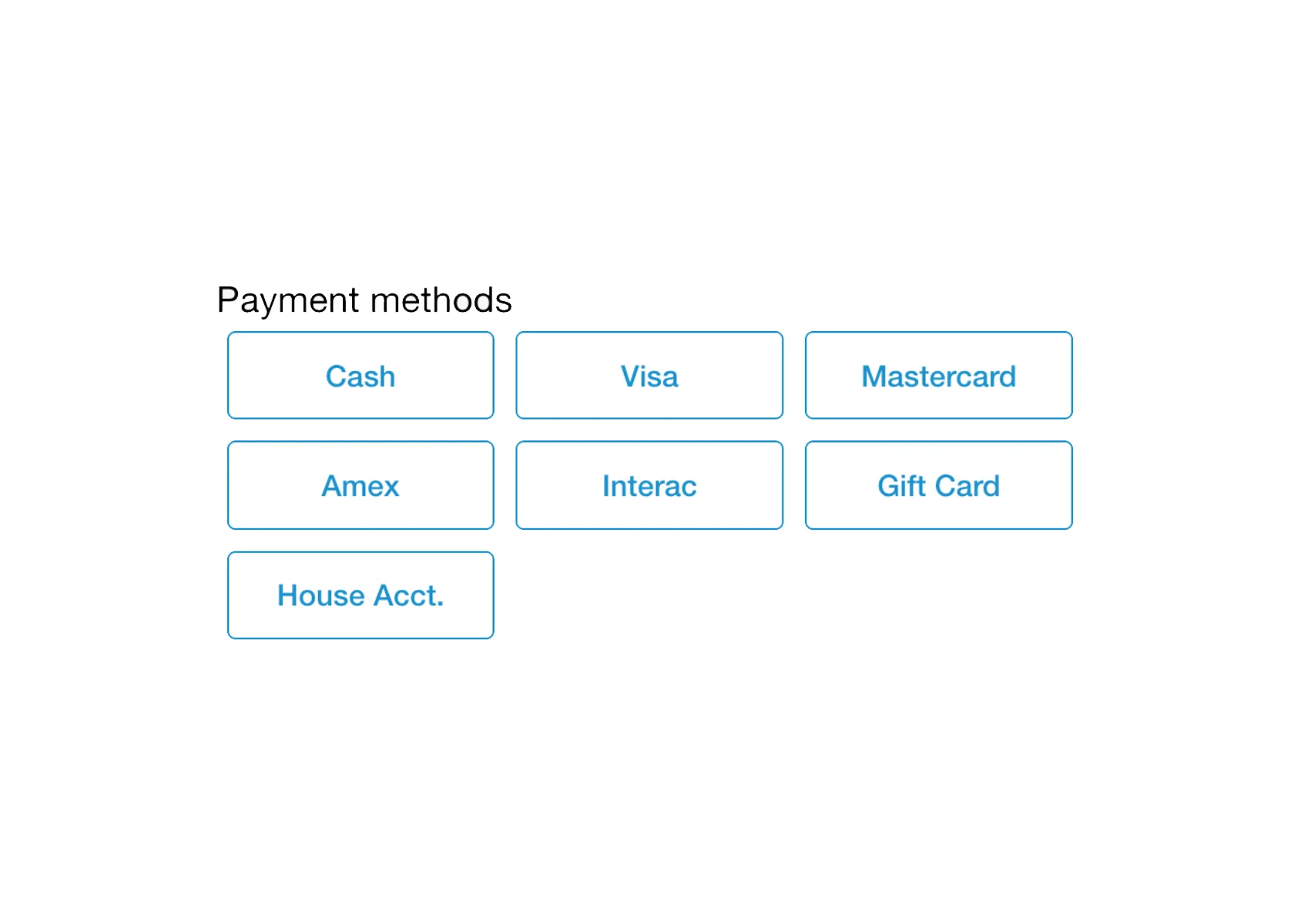
Split Payments
Split a check across cash, cards, and gift cards.
- Operations
- Sales
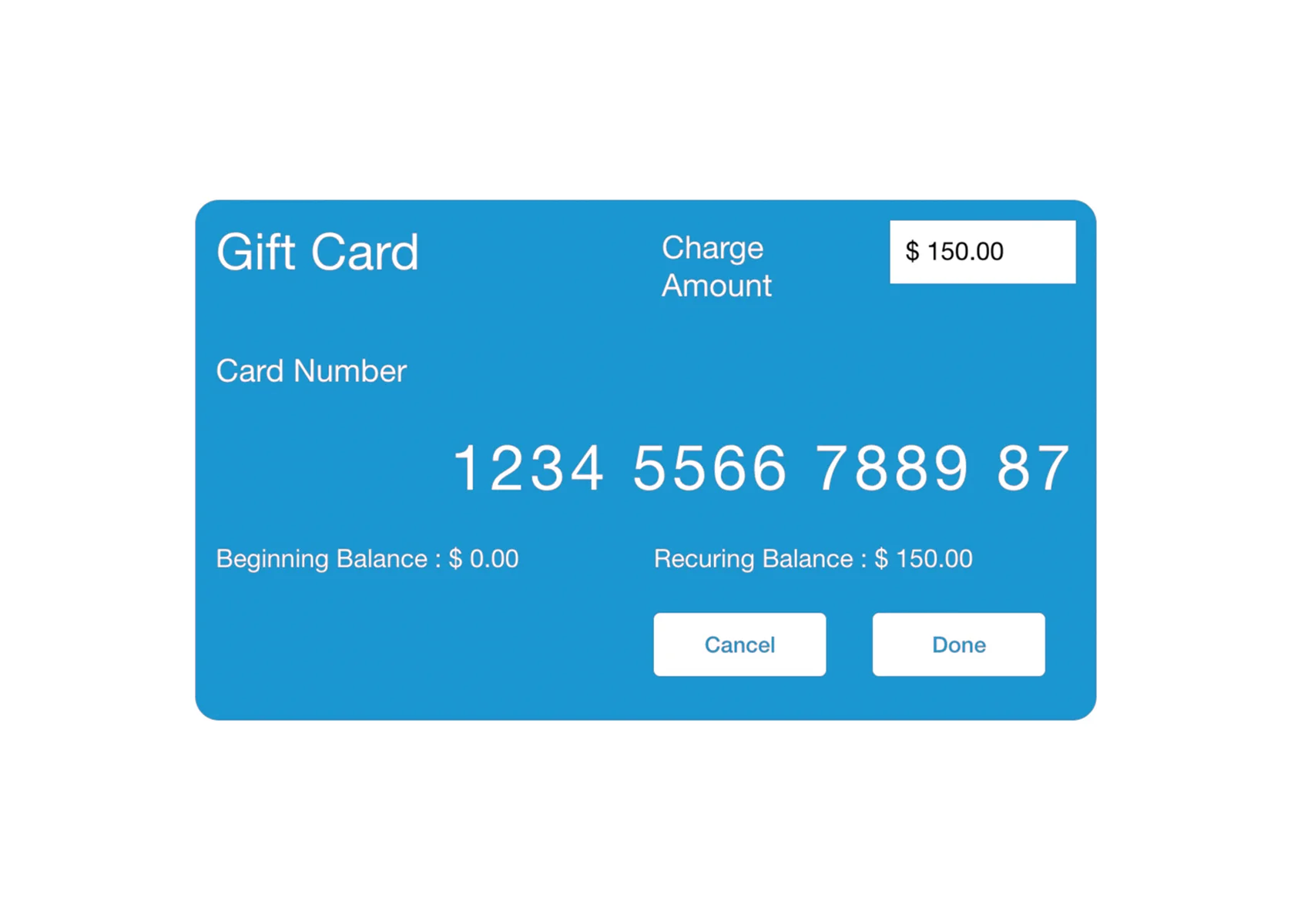
Gift Cards
Sell, load, check, and redeem physical and digital gift cards.
- Marketing
- Sales
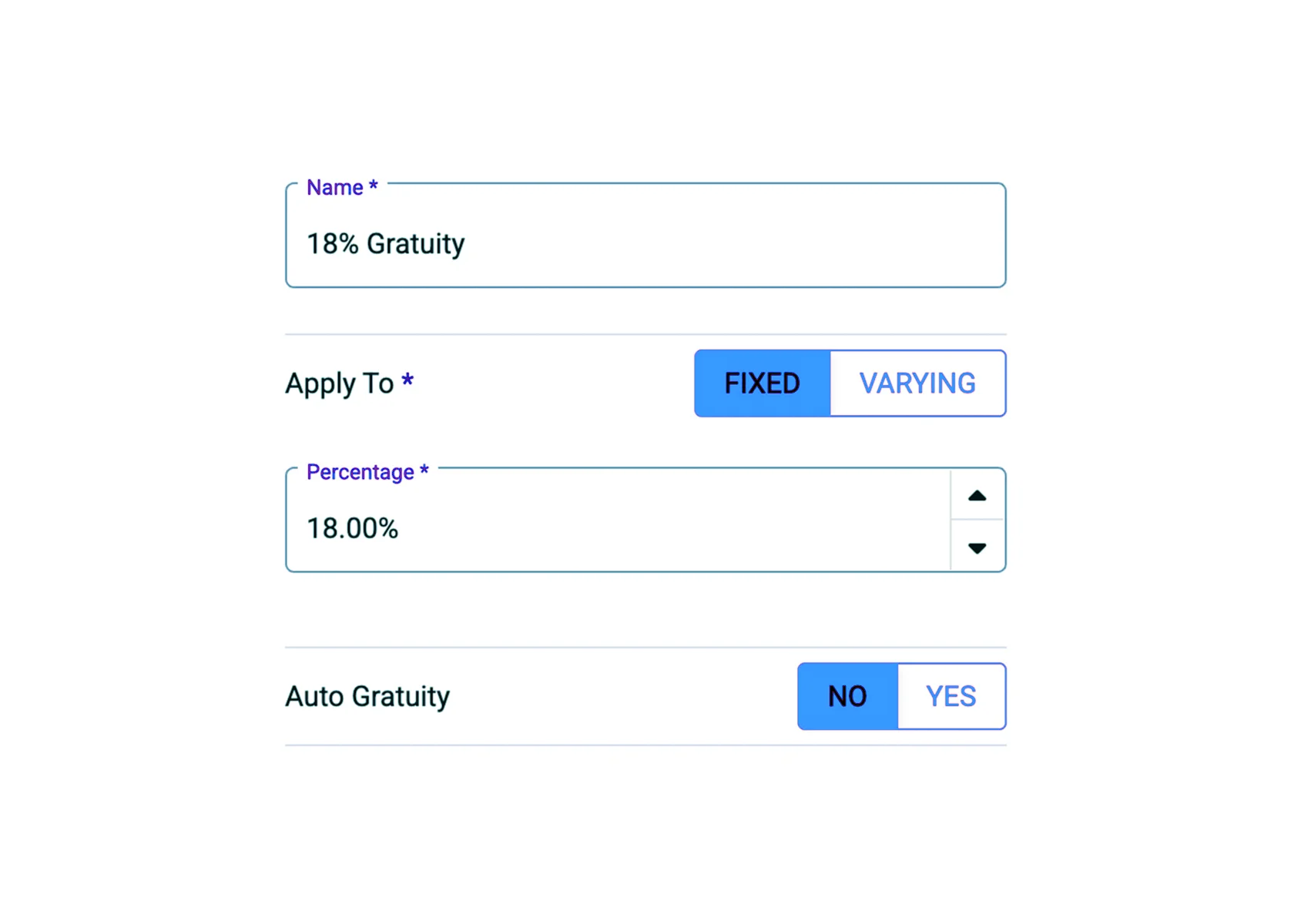
Gratuities
Add automatic gratuity for large parties or peak times, with custom rules.
- Operations
- Management
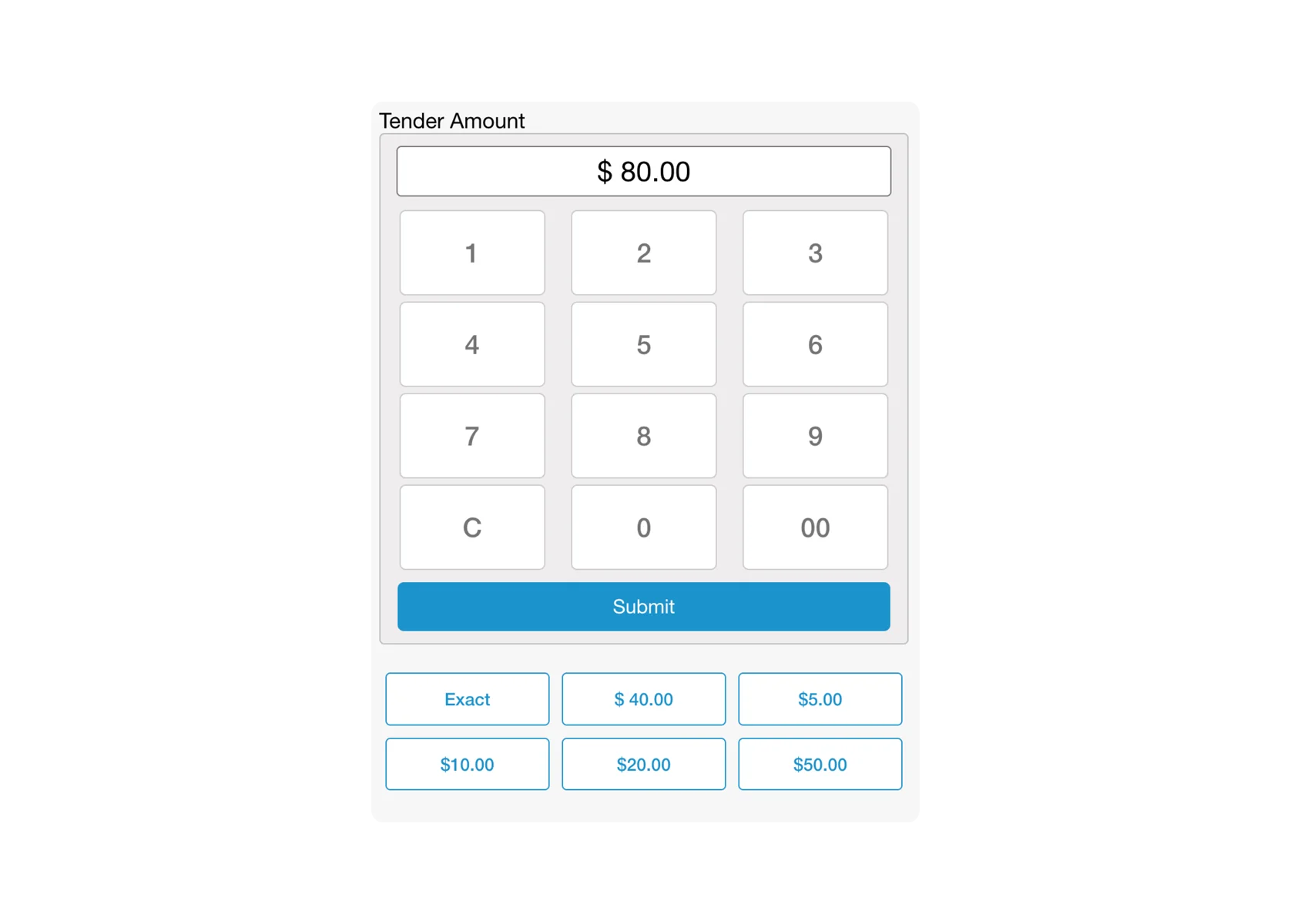
Cash
Handle cash payments with automatic change calculation.
- Operations
- Sales
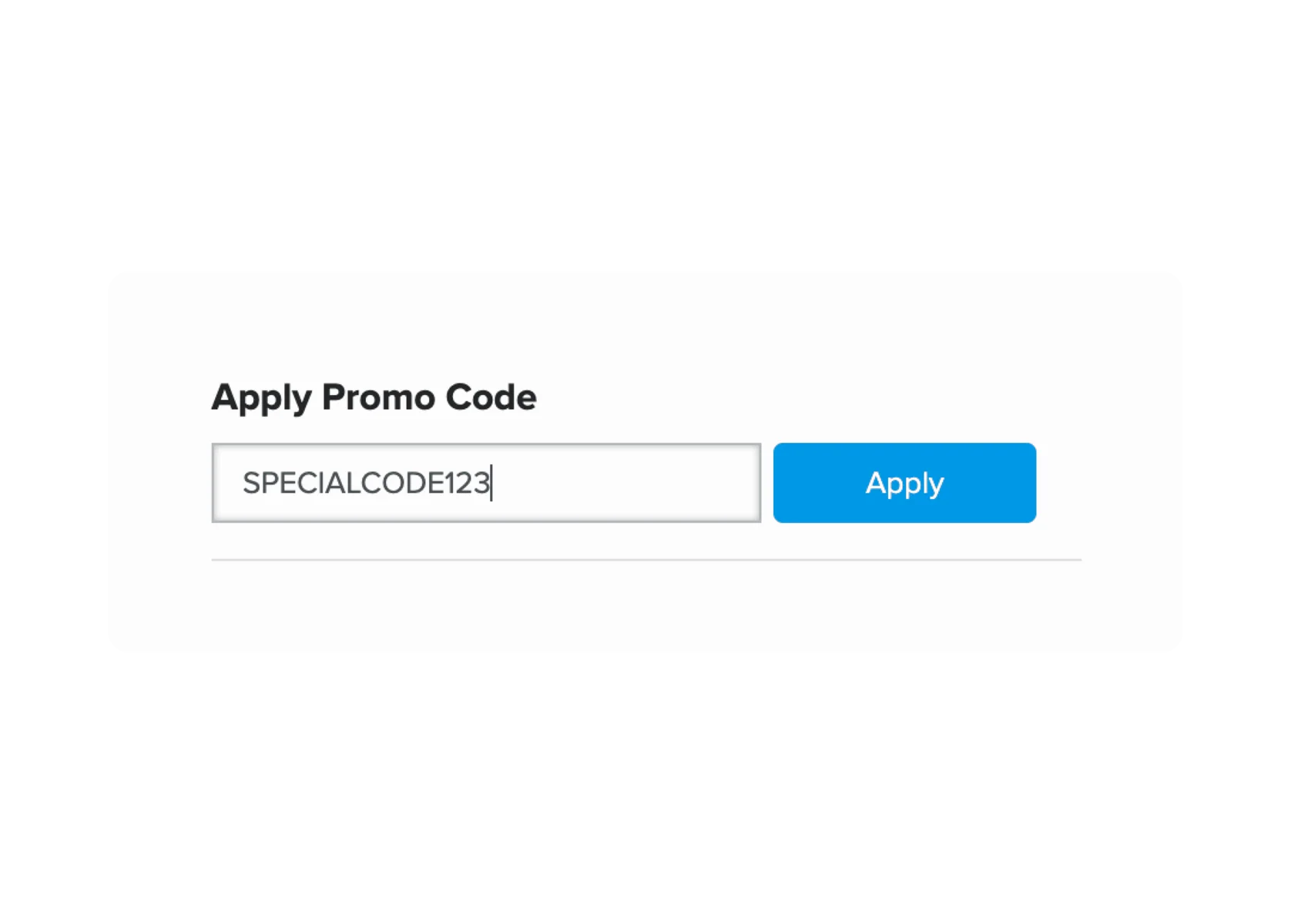
Coupons
Issue digital or printed coupons, tracked and redeemed through the POS.
- Marketing
- Sales
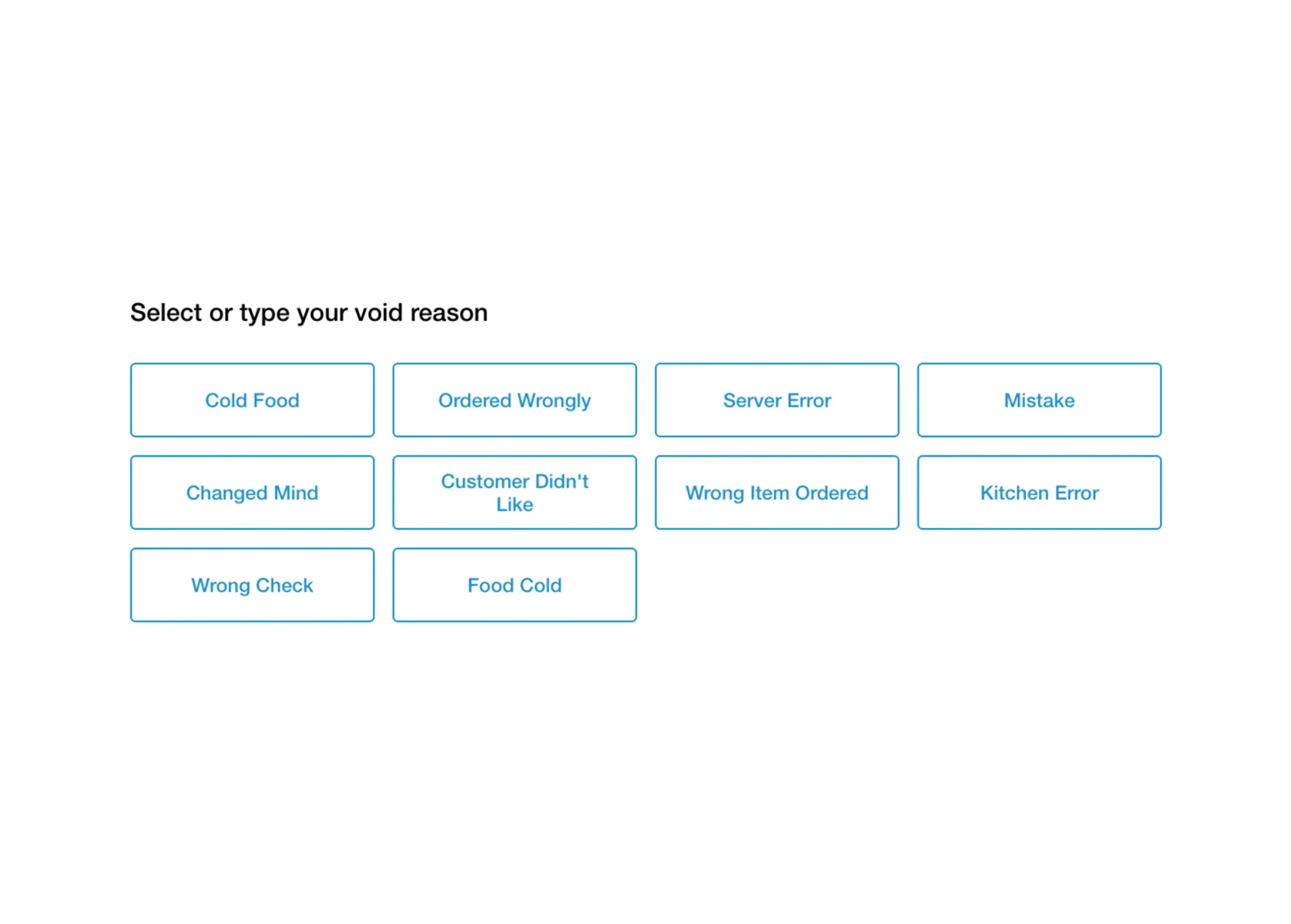
Void Transactions
Require void reasons and role-based permissions so managers stay in control.
- Operations
- Management
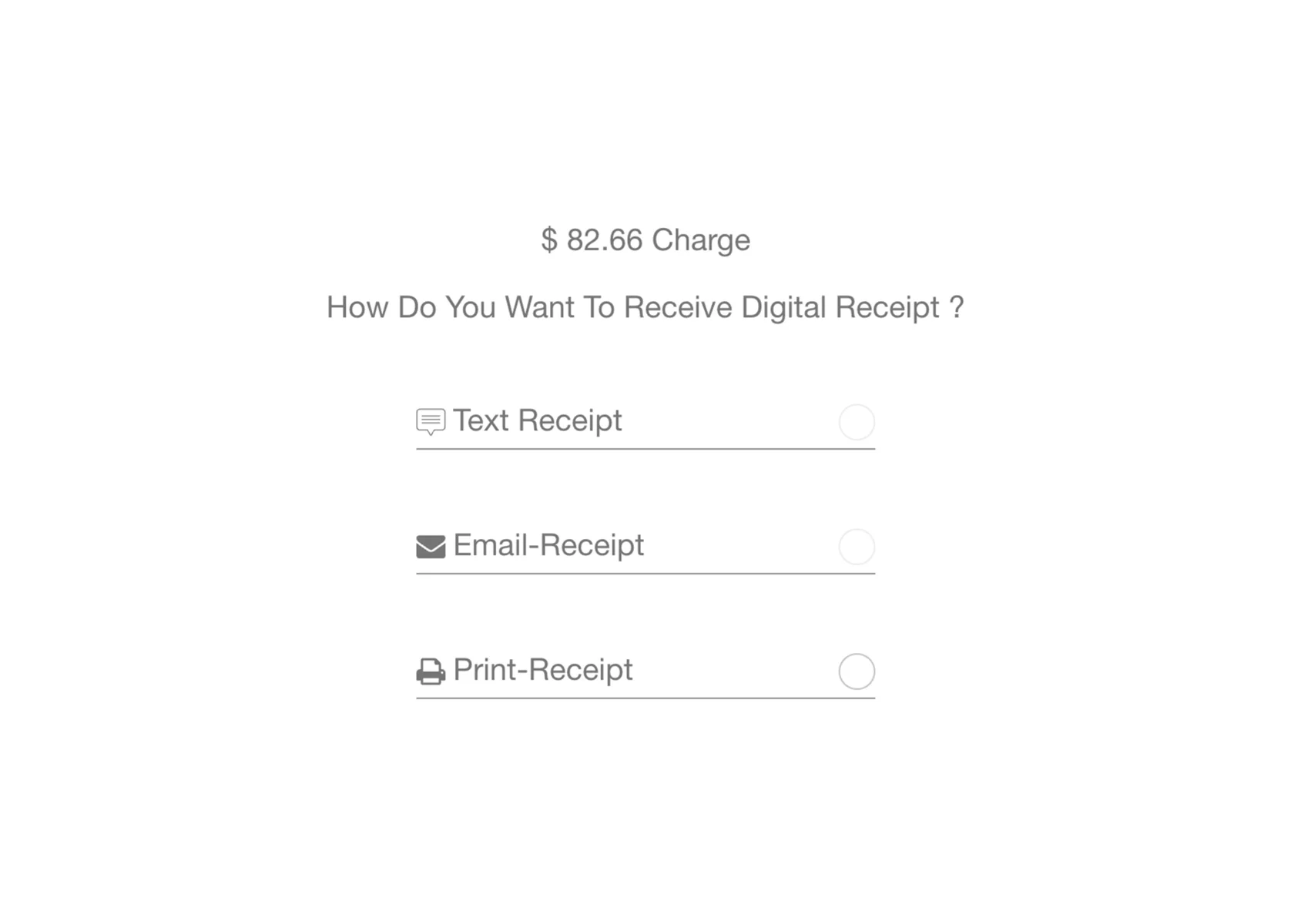
Digital Receipts
Deliver receipts by email, text, or print.
- Operations
- Marketing
Barcode Scanning
Scan barcodes for faster service and retail items.
- Operations
- Menu
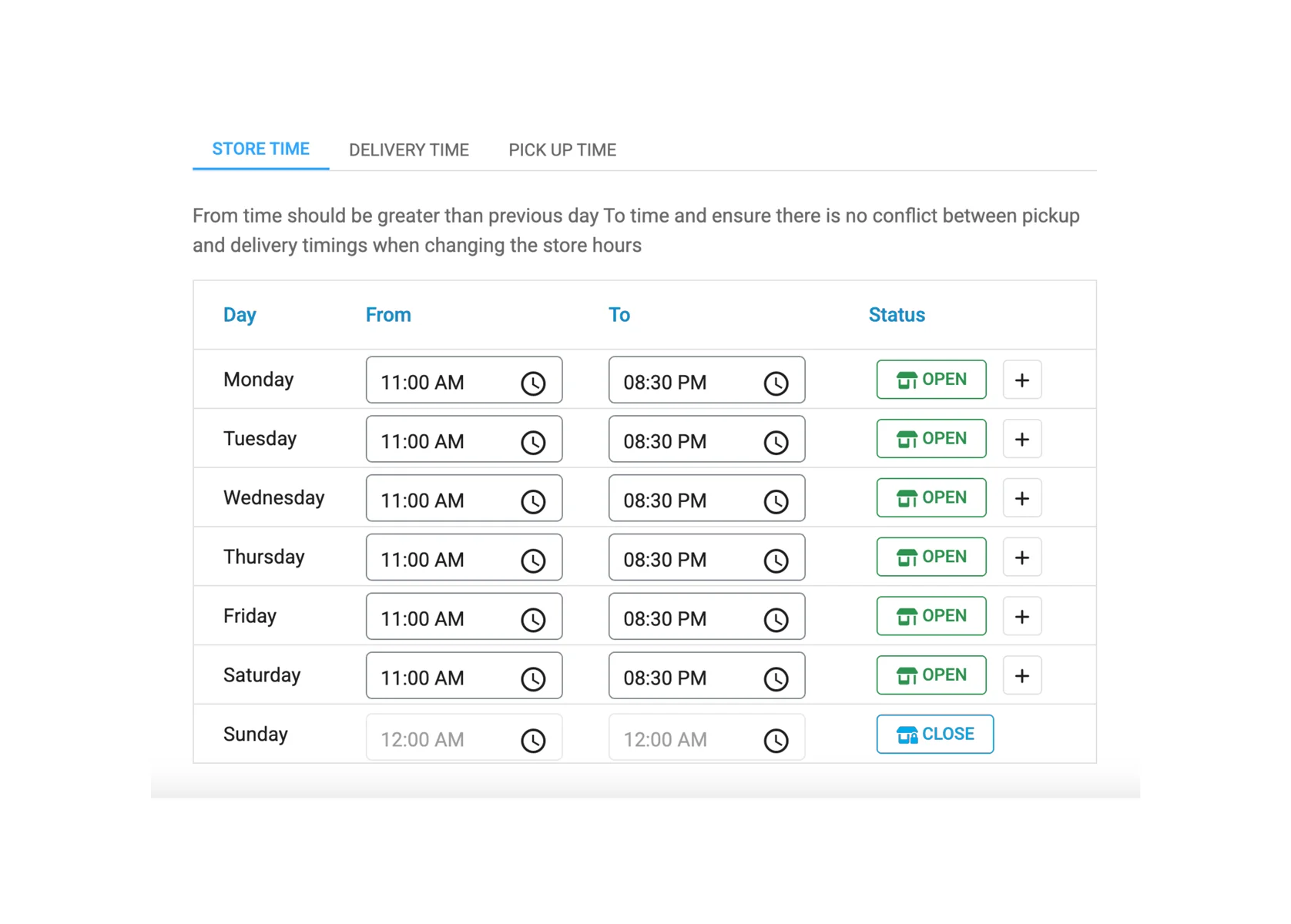
Business Hours
Set separate hours for online ordering, pickup, and delivery.
- Operations
- Management
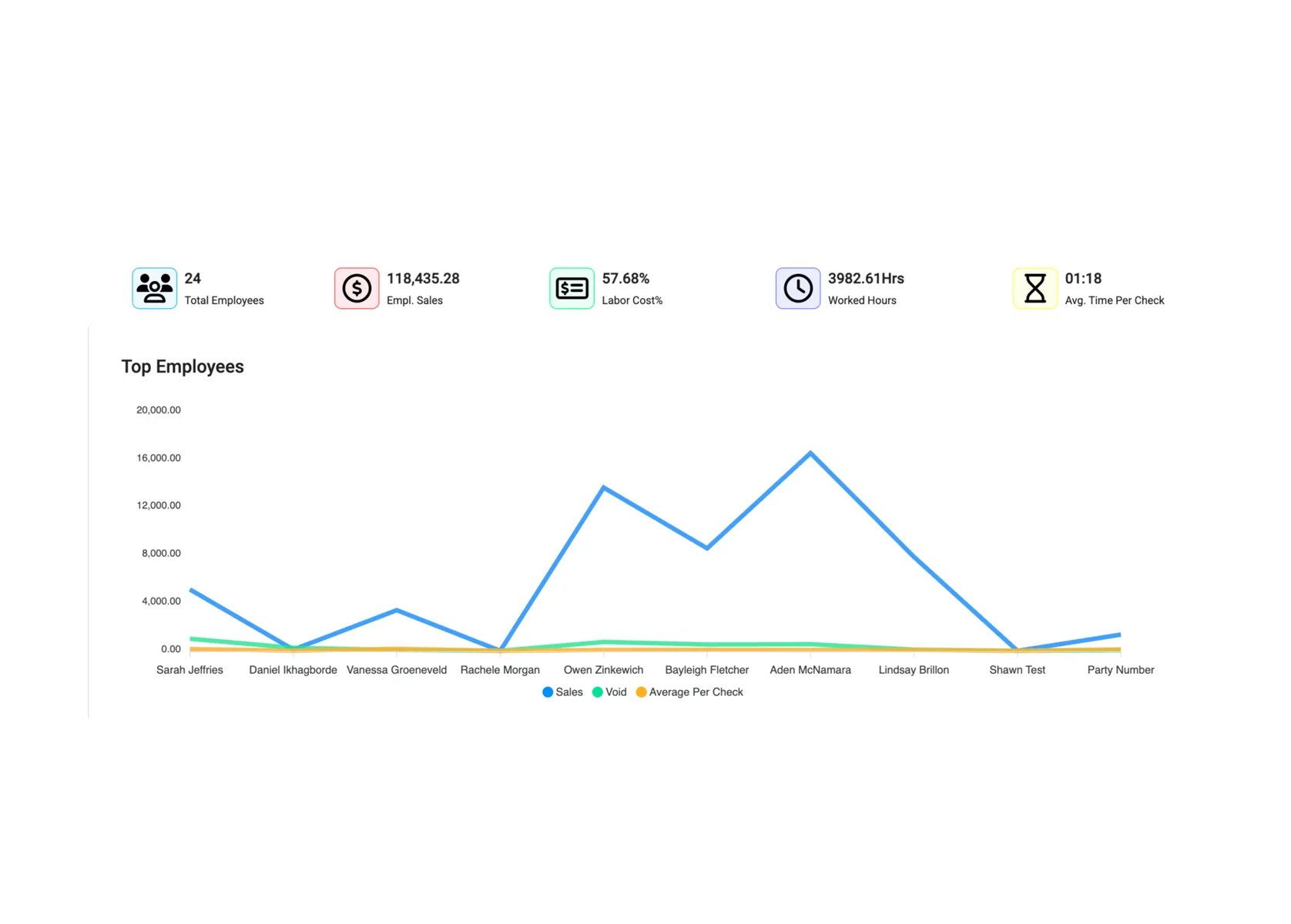
Employee Performance Report
See staff hours, sales, labour cost, and check times.
- Reporting
- Management
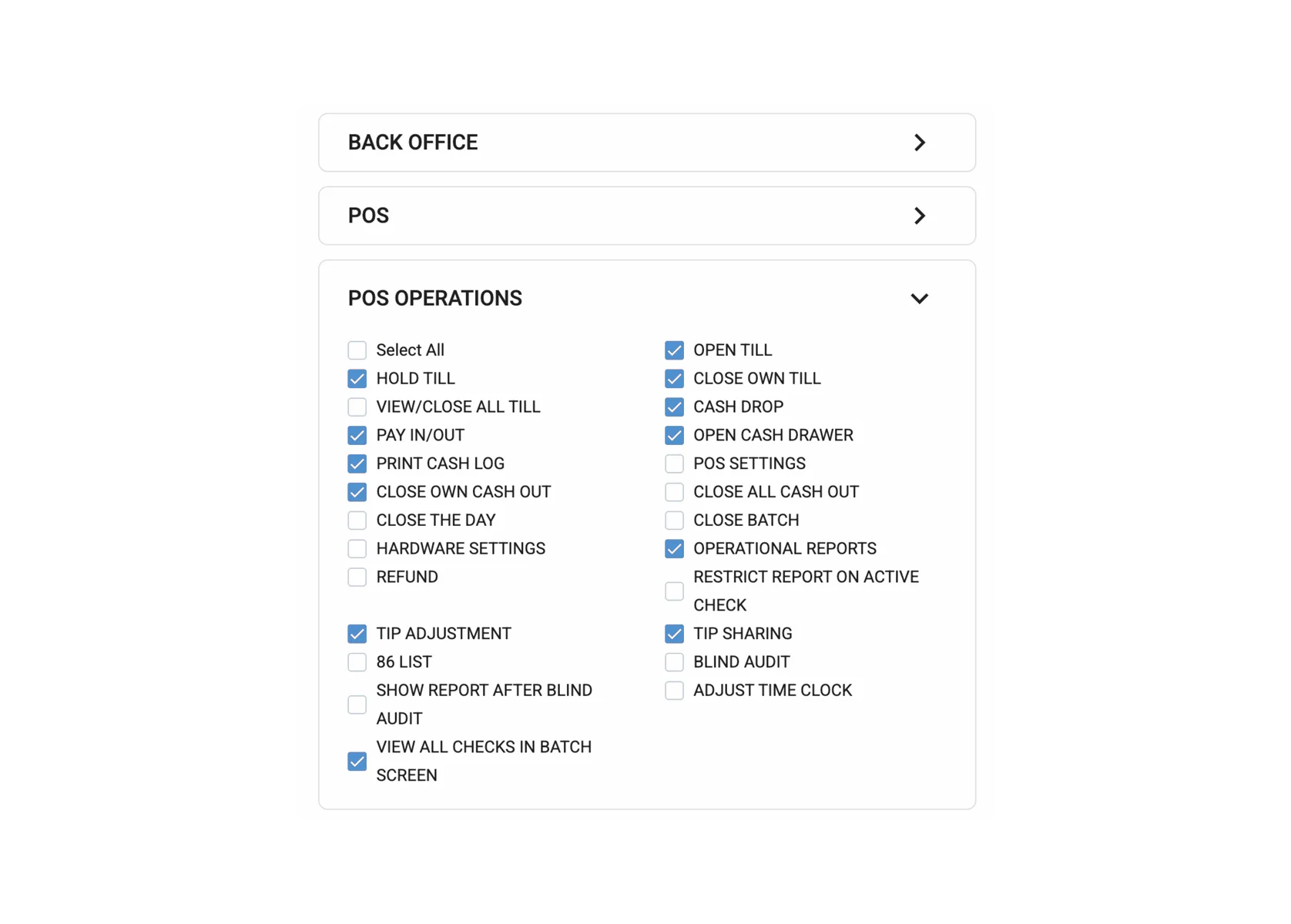
Assign Security Access Levels
Control who can use features like clock-in and discounts by role.
- Operations
- Management
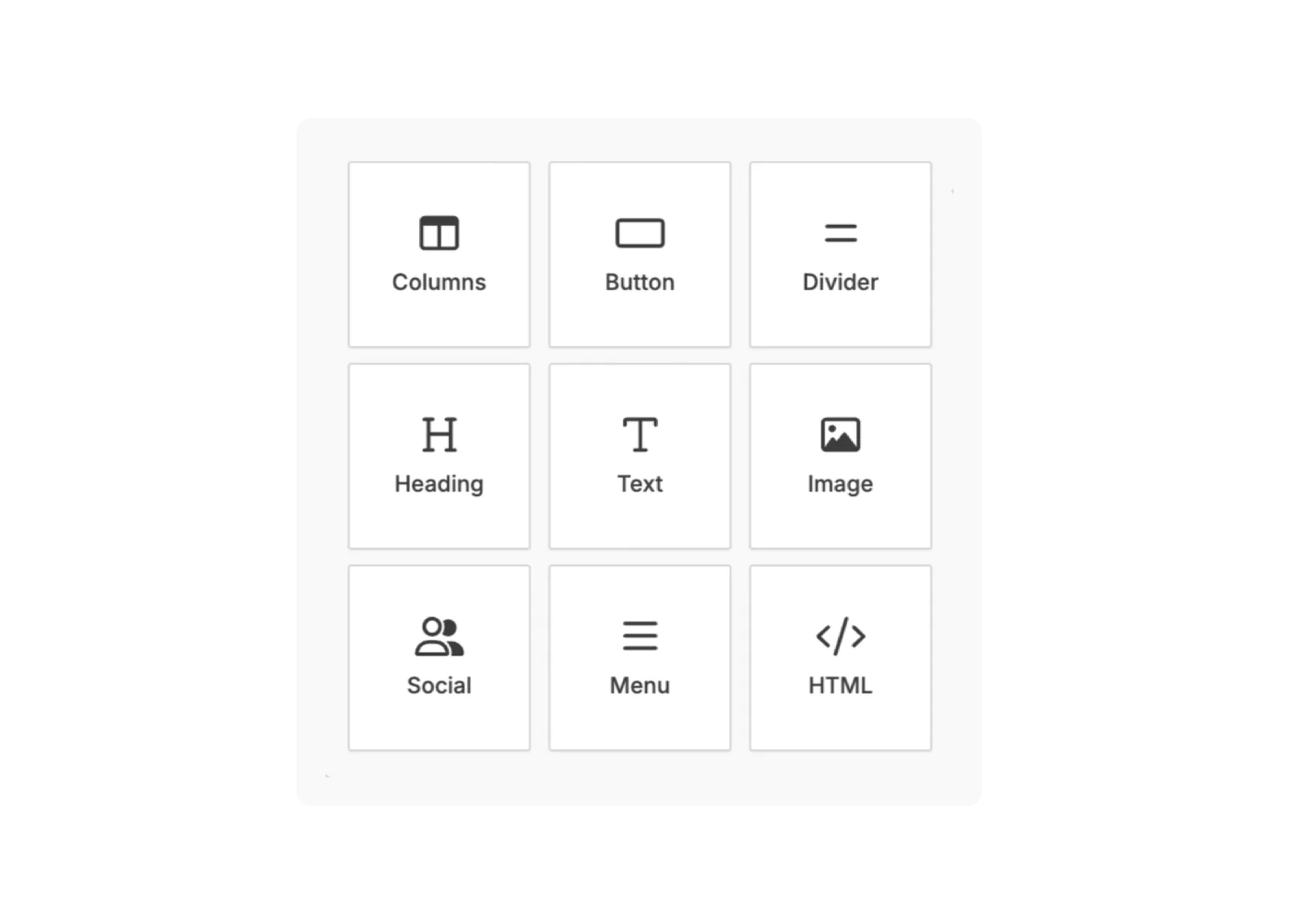
Email Marketing
Send targeted campaigns for offers, loyalty updates, and birthdays.
- Marketing
- Sales
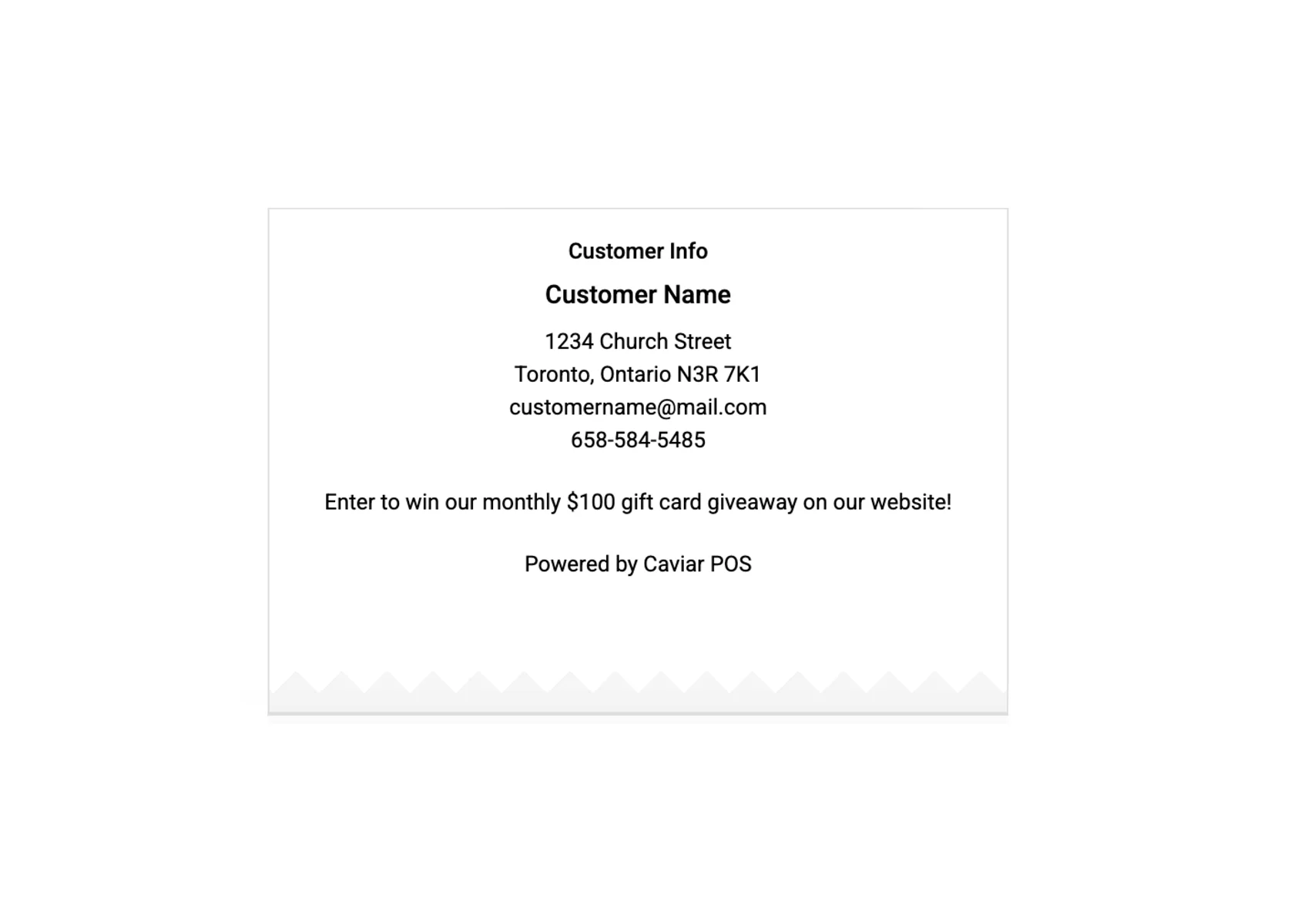
Receipt Message
Print custom messages for events, social media, or promotions.
- Marketing
- Operations
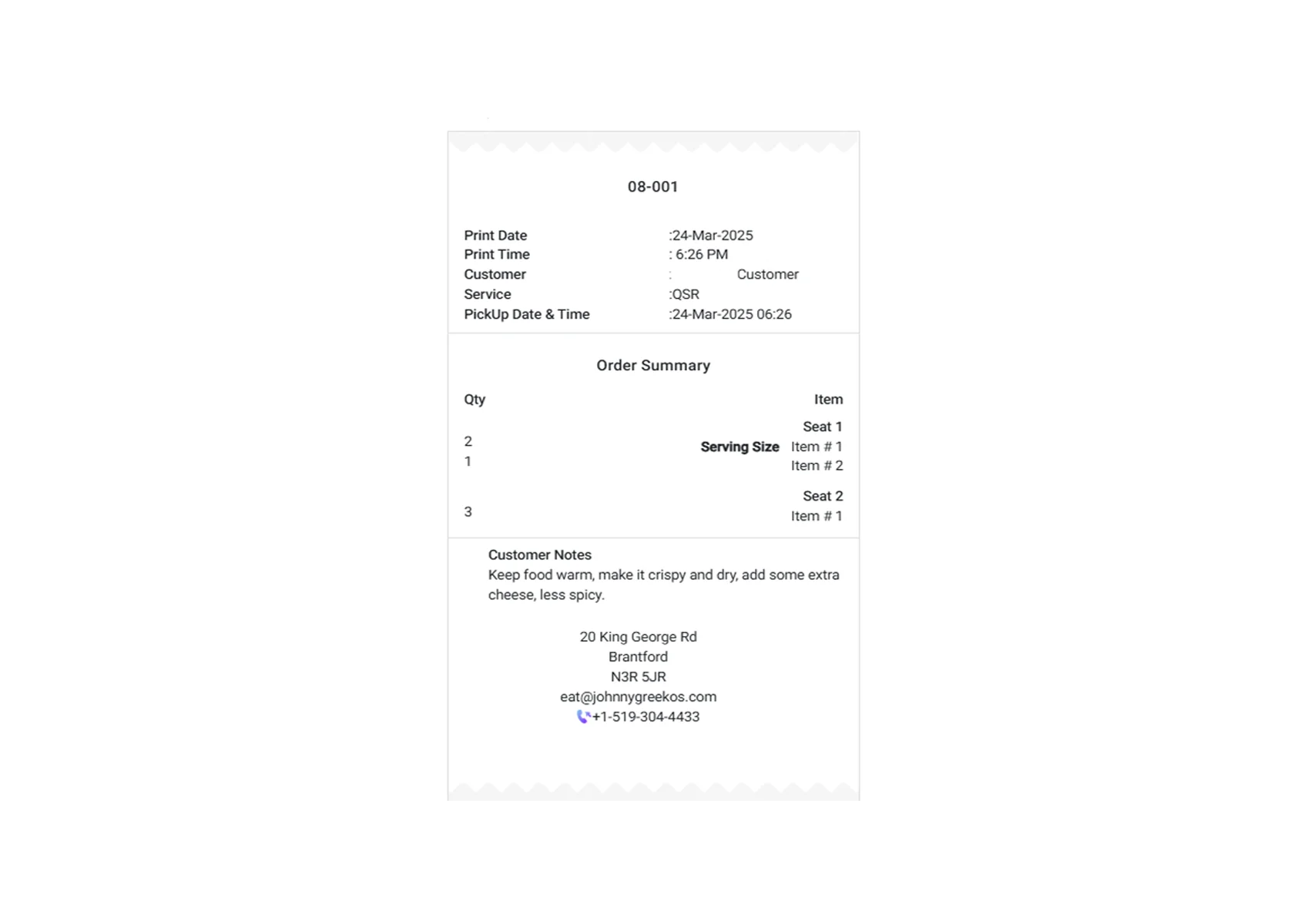
Receipt Printing
Customize front-of-house and kitchen receipt layouts.
- Operations
- Management
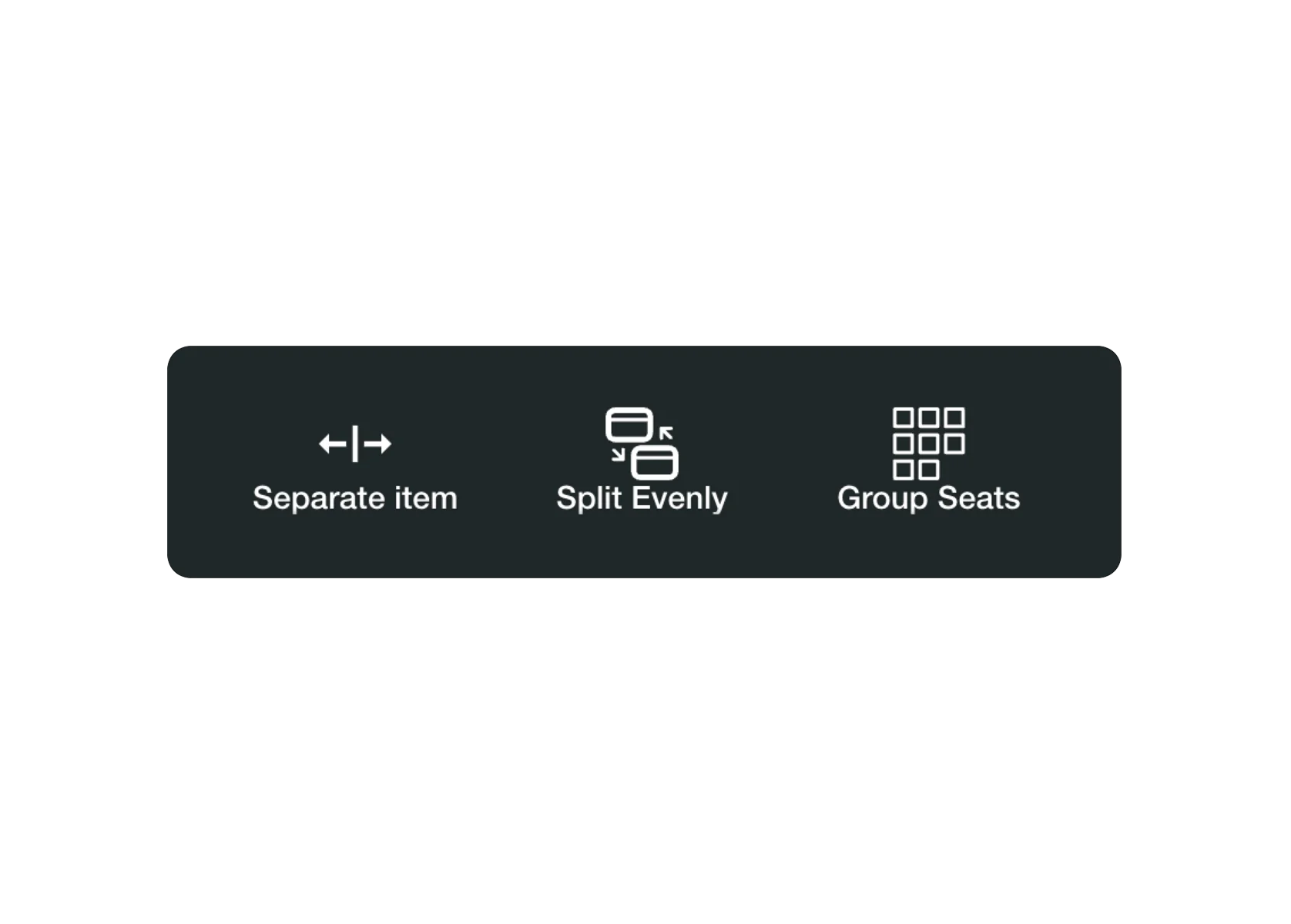
Split Checks/Bills
Split bills by seat, by item, or evenly.
- Operations
- Sales
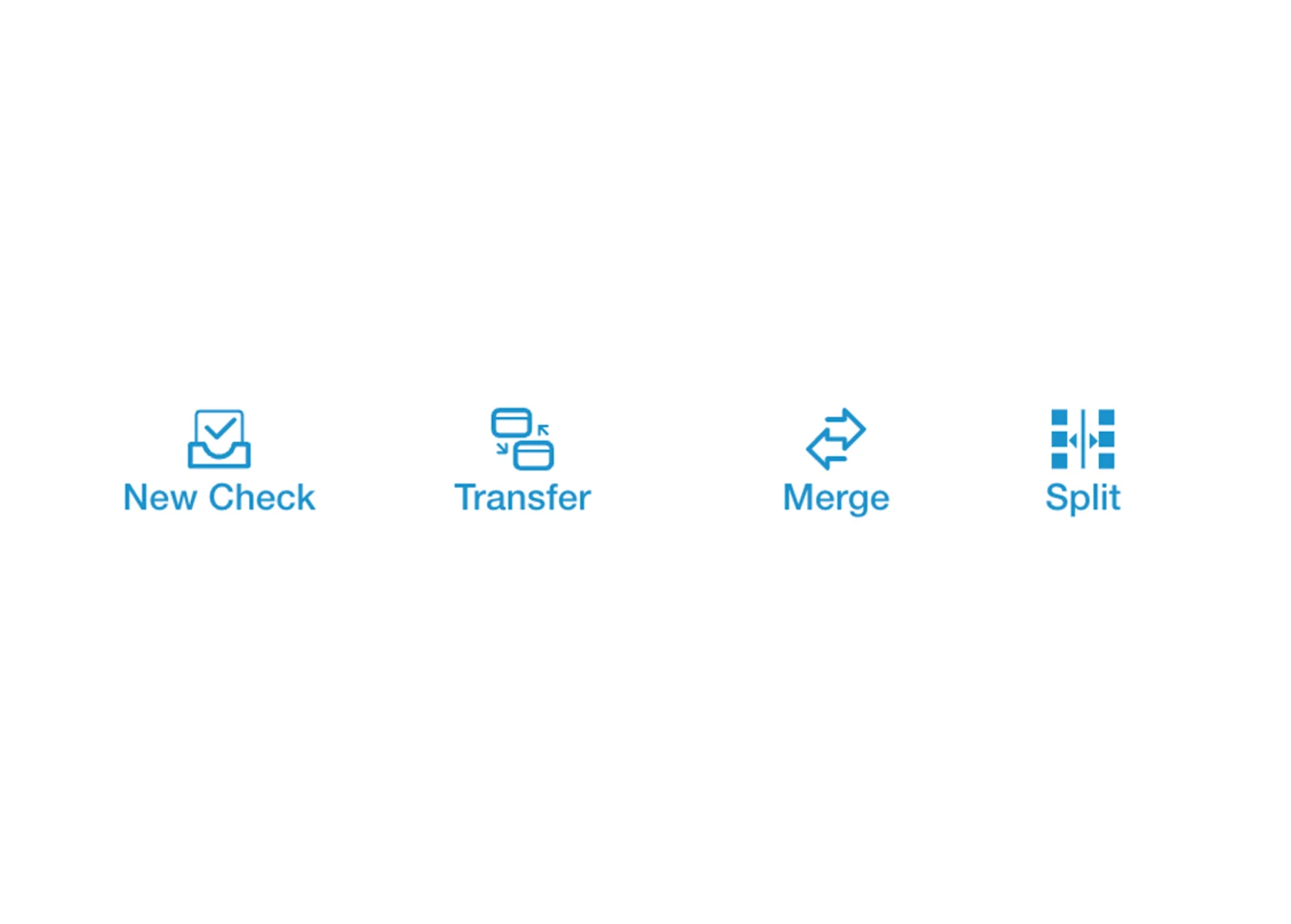
Table Management Tools
Transfer, merge, or split tables and checks.
- Operations
- Management
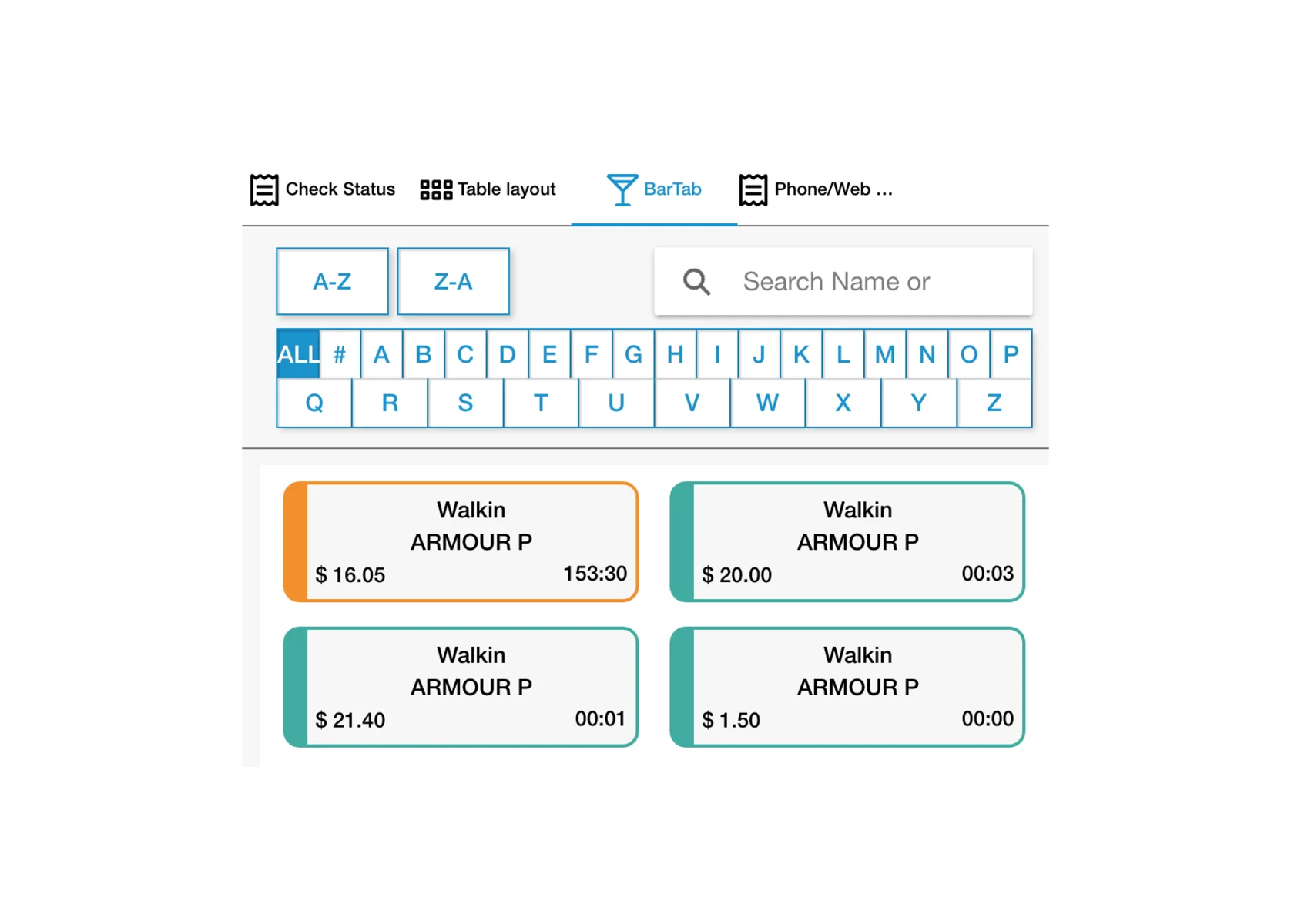
Bar Tabs
Create and track guest tabs, optionally linked to tables.
- Operations
- Sales
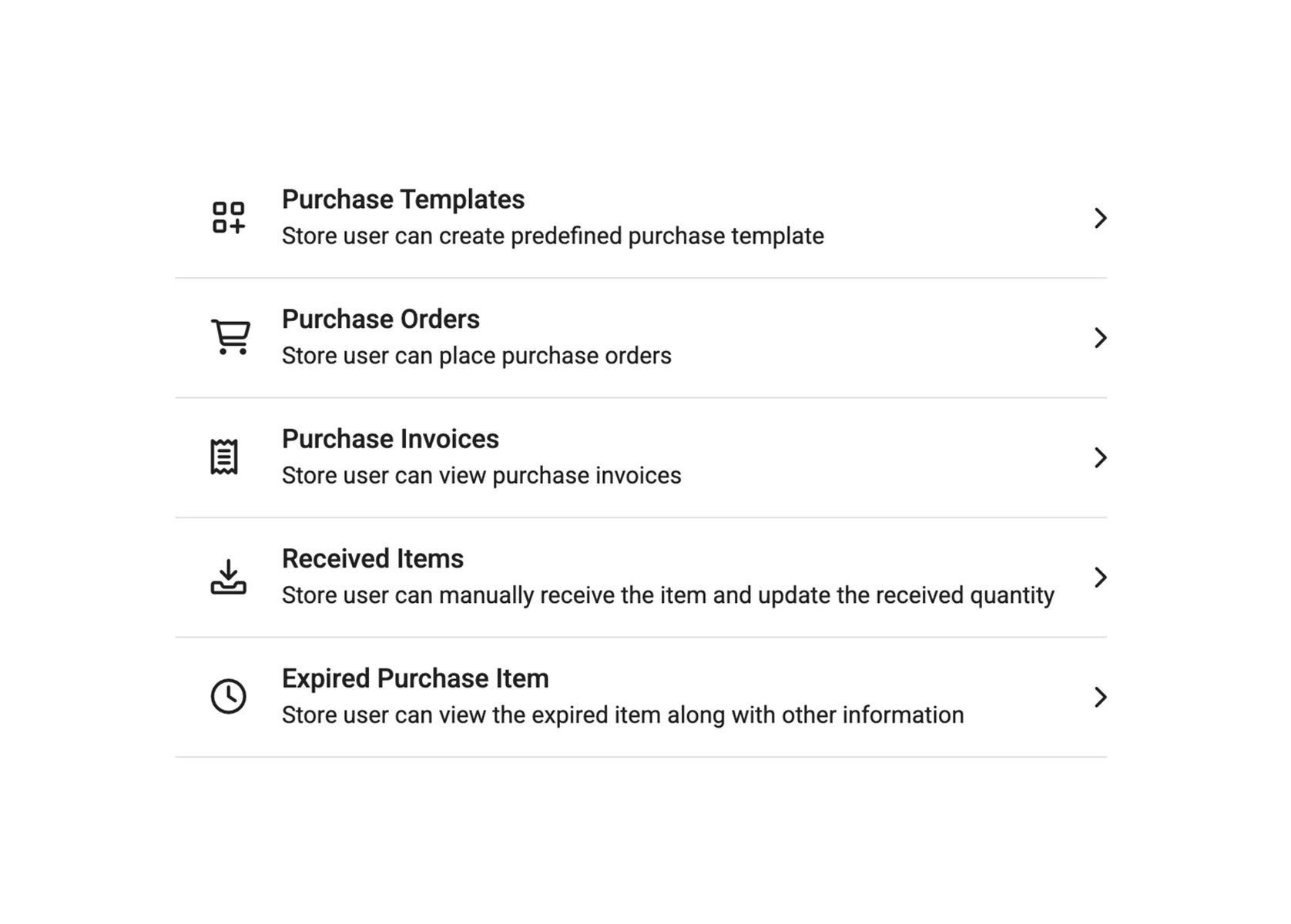
Purchase Orders
Automate purchase orders with vendor and pricing info.
- Operations
- Reporting
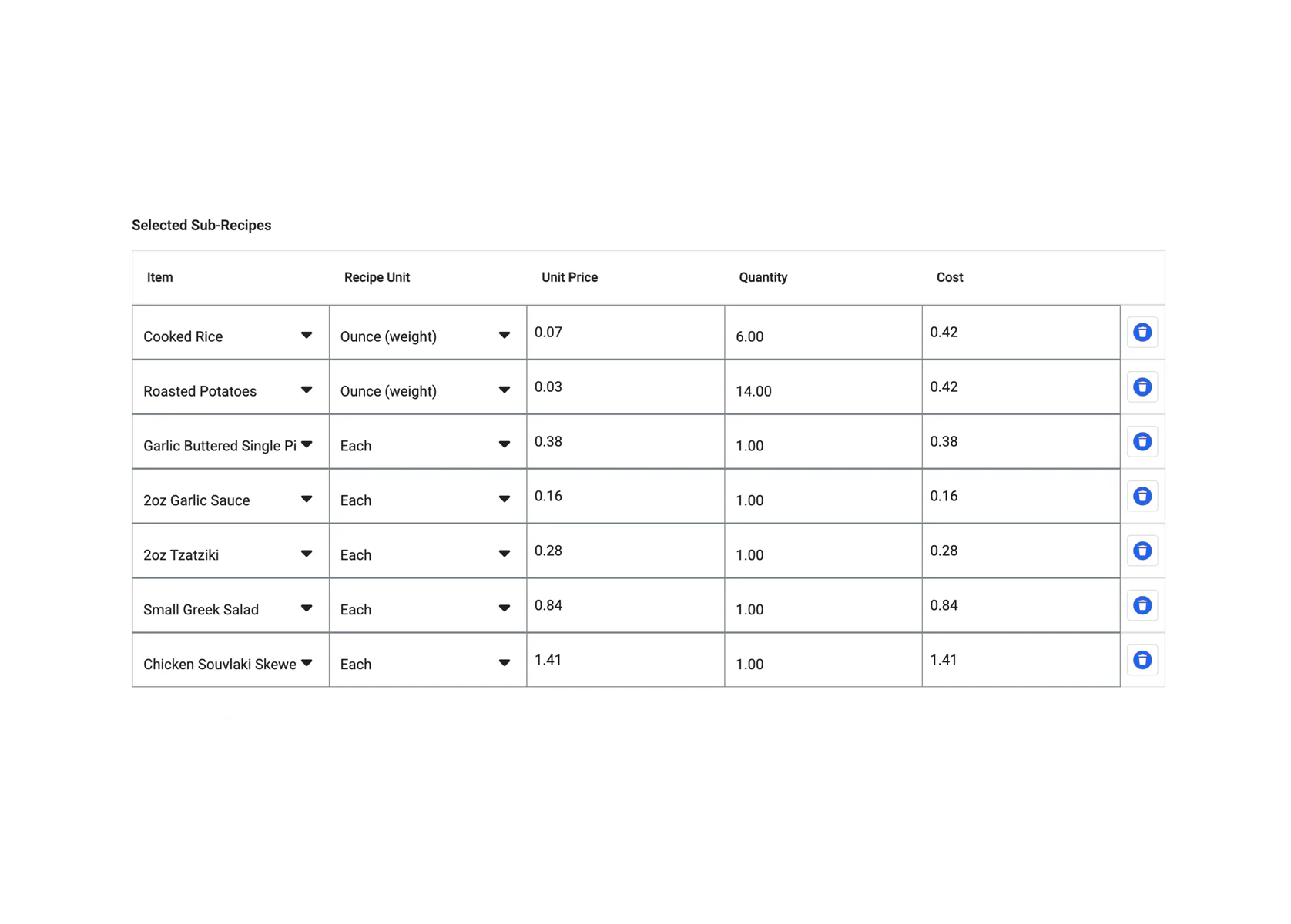
Recipe/Sub Recipe
Break down recipes to track your cost of goods sold.
- Menu
- Reporting
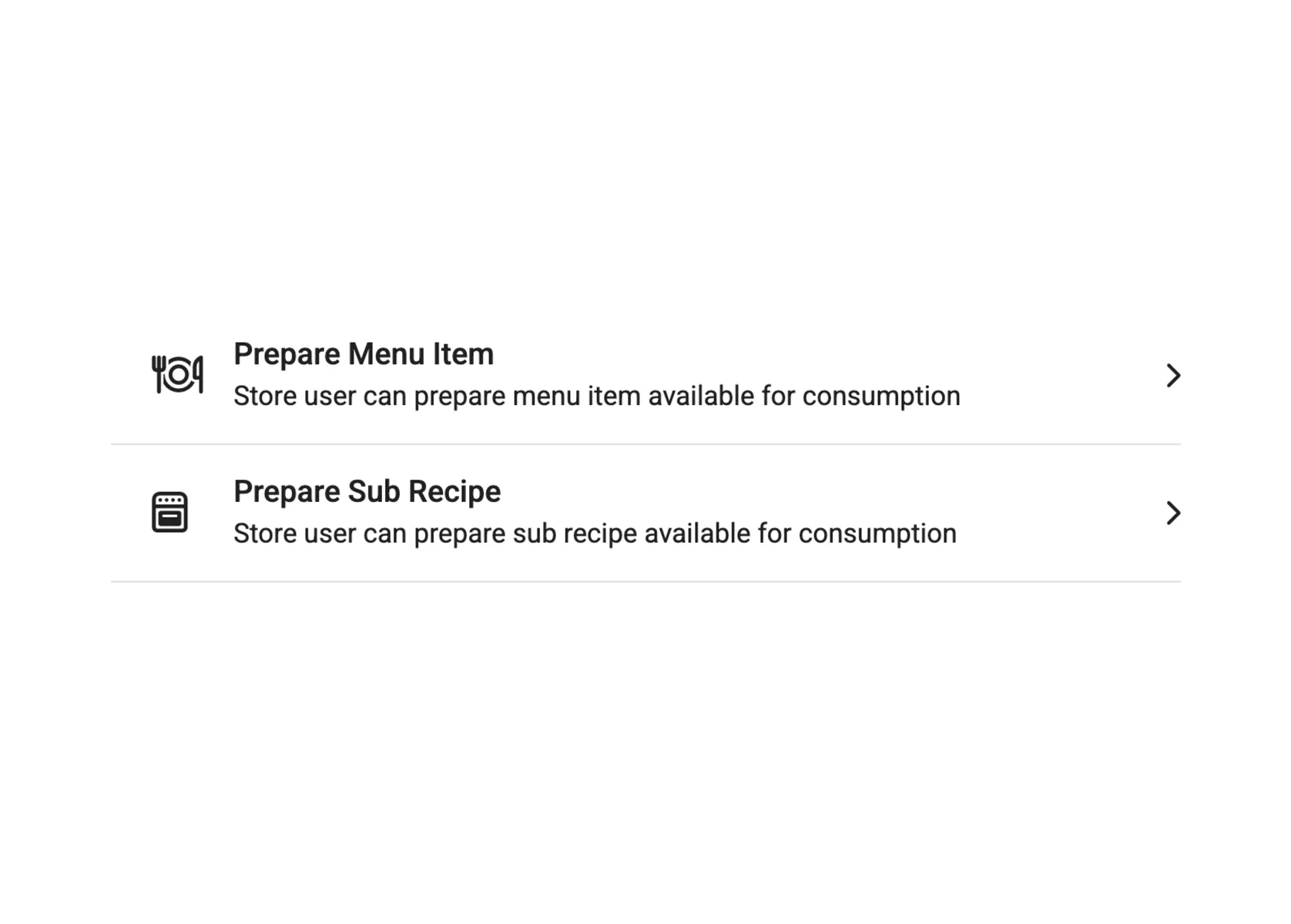
Food Costing
See real-time food costs based on recipes and purchases.
- Reporting
- Management
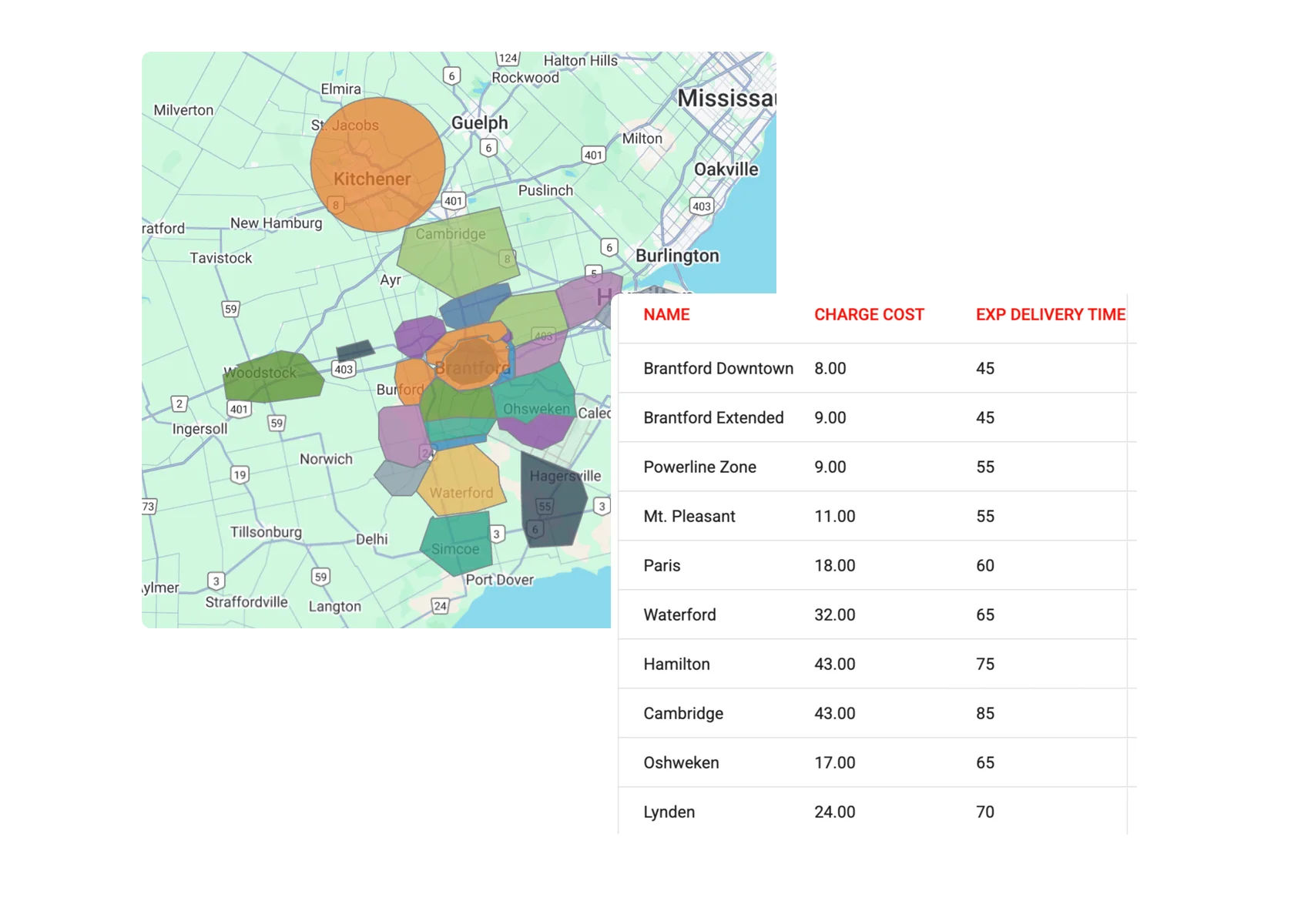
Delivery
Run commission-free delivery with configurable zones, fees, and tracking.
- Operations
- Sales
Phone Orders
Take pickup and delivery orders by phone.
- Operations
- Sales
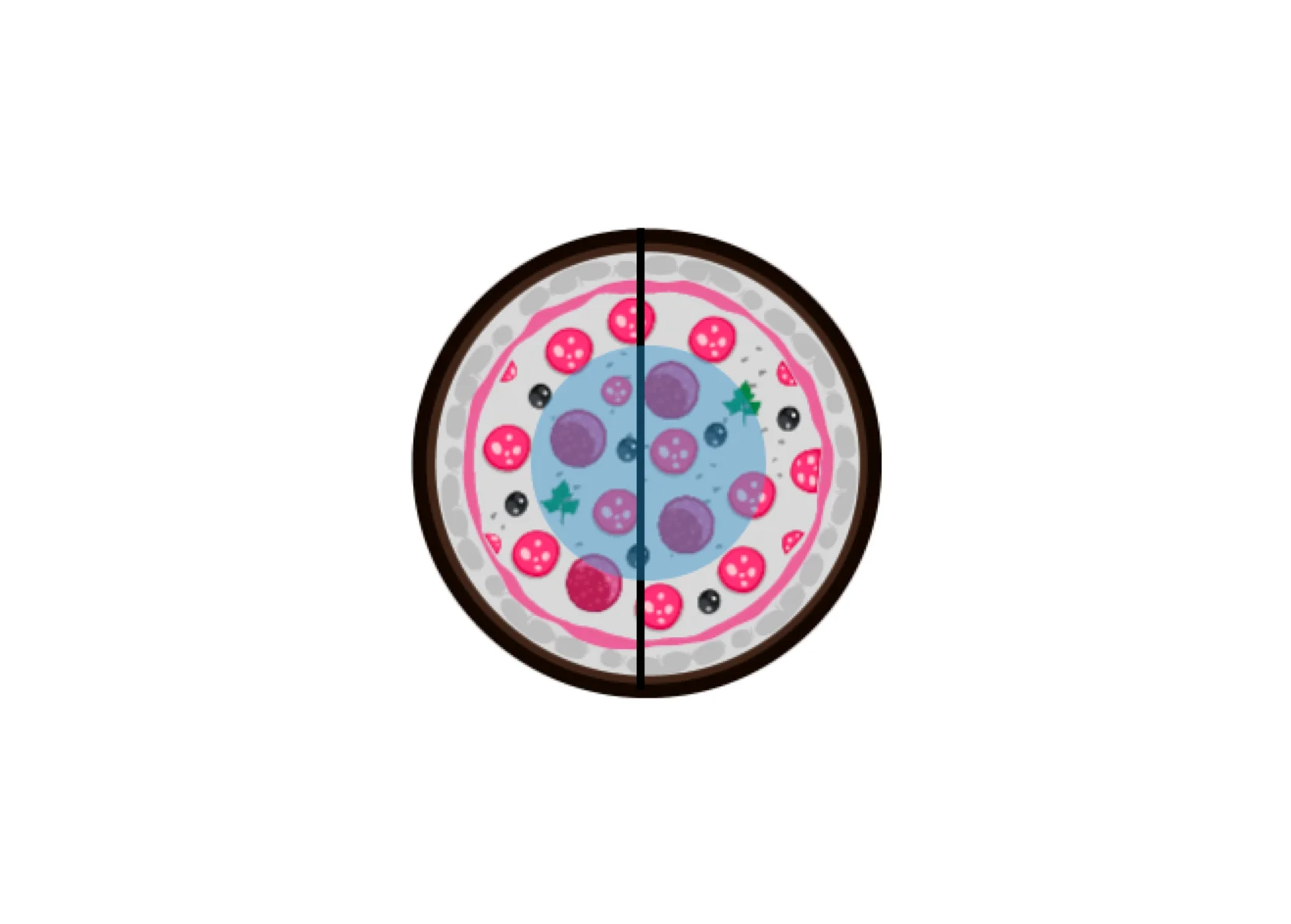
Pizza Portioning
Choose toppings for specific slices or halves.
- Menu
- Operations
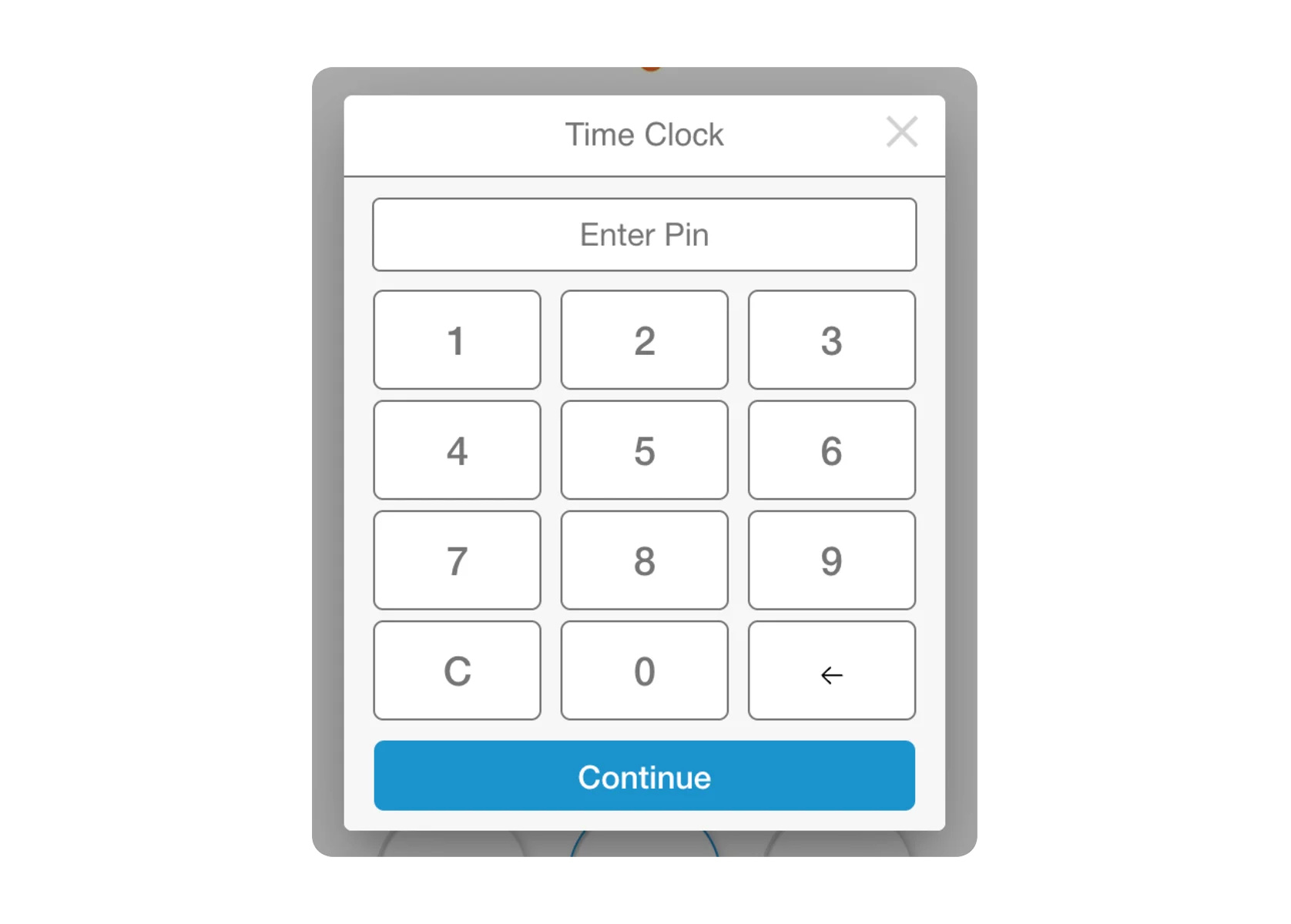
Time Clock
Track employee hours, breaks, and shift changes.
- Operations
- Management
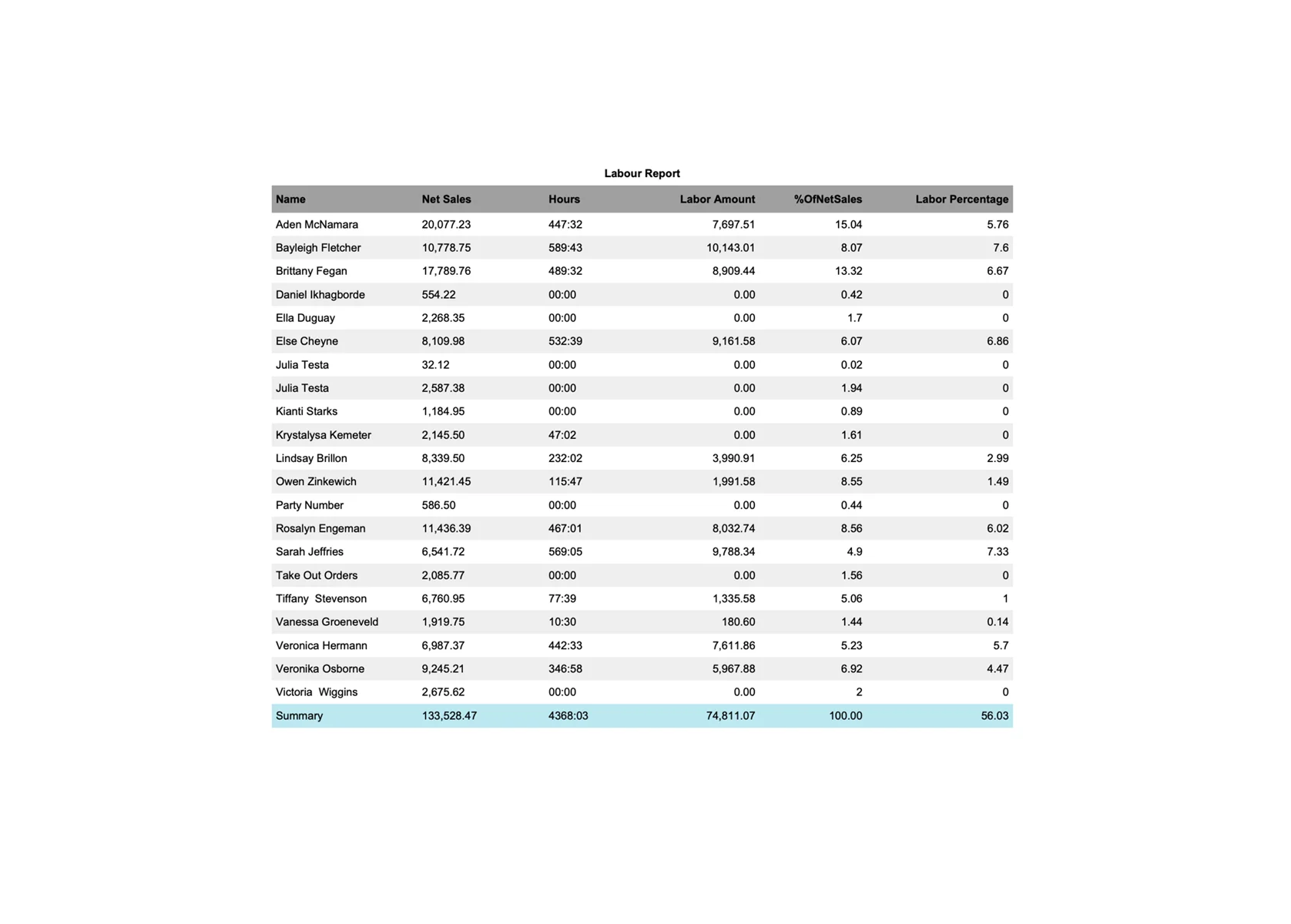
Payroll Reporting
Report wages, hours, tips, and overtime for payroll.
- Reporting
- Management
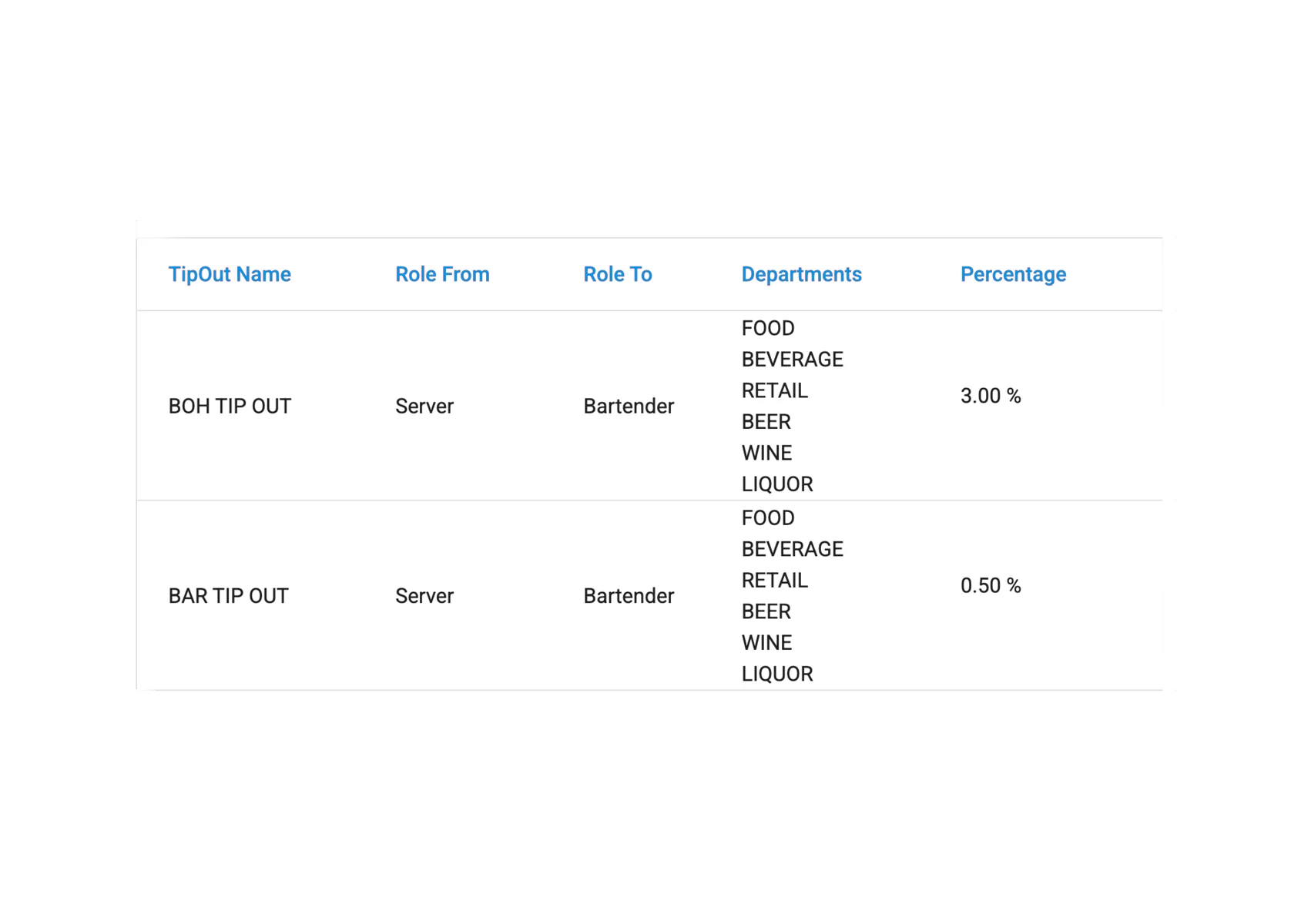
Tip Out Reporting
Manage tip pooling and payouts between staff.
- Reporting
- Management
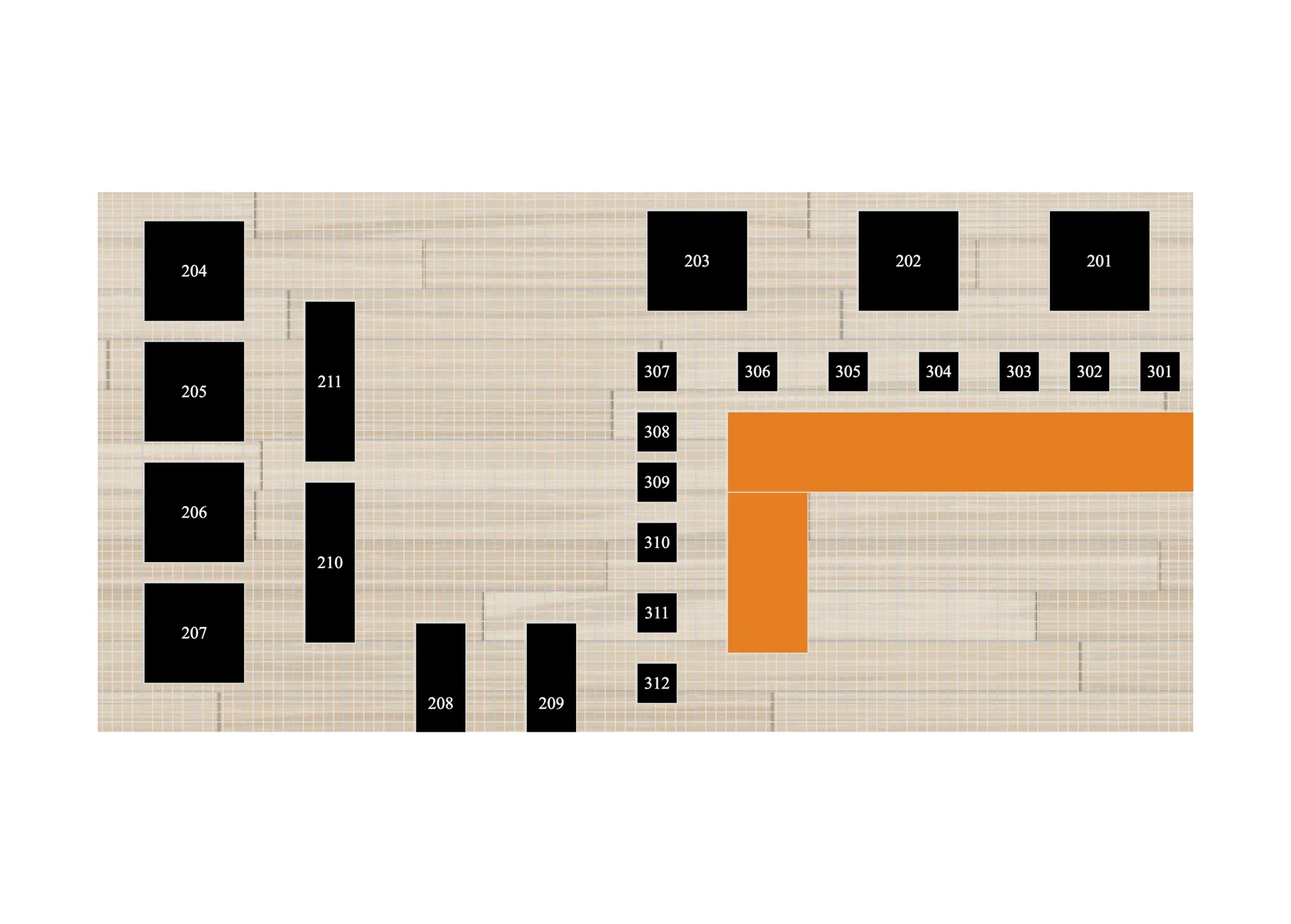
Table Layout
Build a customizable floor plan for the bar, dining room, patio, and more.
- Operations
- Management
Add-on modules
Online Ordering
Add online ordering for one or more locations, sent straight to the kitchen from your branded app or website.
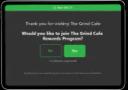
Customer Loyalty
Boost repeat business with a branded program that tracks habits and rewards guests automatically.
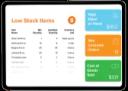
Inventory Management
Control costs with real-time ingredient tracking and menu profitability.
Customer Display System
Create a memorable checkout with interactive customer displays.
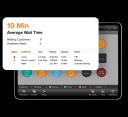
Wait List
Manage bookings and waitlists in the cloud and keep guests informed.
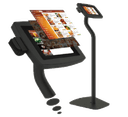
Self-Order Kiosk
Speed up service and shorten wait times with guest-operated kiosks.
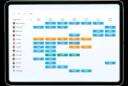
Schedules
Create, edit, and share employee schedules, with notifications.
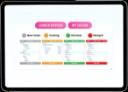
Kitchen Display System
Speed up order prep by routing tickets to kitchen stations.
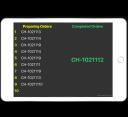
Queue
A digital display where customers can track their order status.

Delivery Driver App
Customers are easily kept informed about delivery progress.
3rd Party Delivery
Manage delivery orders from third-party marketplaces in one place.
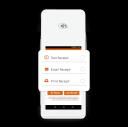
Pay at Table
Make it simple to order, pay, and tip at the table.
Gift Cards
Sell and manage digital and physical gift cards.
Also available: Alerts, Call Center, Caller ID, Central Kitchen, Integration Hub, Automation and AI, Custom Mobile App. Browse software licences
Frequently asked questions
What is CAVIAR POS?
CAVIAR POS is a cloud point-of-sale system for restaurants and retail in Canada and the United States, part of Armour Payments. One platform runs in-store ordering, self-order kiosks, kitchen display systems, online ordering, delivery, loyalty, gift cards, integrated payments, and real-time reporting.
Is CAVIAR POS related to Square or the Caviar food delivery app?
No. CAVIAR POS is an independent point-of-sale company, part of Armour Payments. It is not affiliated with Square, DoorDash, or the Caviar food delivery app. Payments on CAVIAR POS are processed through Armour Payments, not Square.
What types of businesses use CAVIAR POS?
Quick-service and full-service restaurants, pizzerias, cafes and coffee shops, bakeries, bars, food trucks and pop-ups, hotels, cafeterias, and retail stores. It works for a single location or many.
Is there a free trial?
Yes. CAVIAR POS offers a 15-day free trial with full access. No credit card is required and you can cancel anytime.
Does CAVIAR POS integrate with Uber Eats, DoorDash, and SkipTheDishes?
Yes. CAVIAR POS integrates with Uber Eats, DoorDash, and SkipTheDishes, and the 3rd Party Delivery module brings marketplace orders into one place. It also integrates with QuickBooks for accounting, and supports commission-free delivery and phone orders.
What POS hardware does CAVIAR POS offer?
POS stations, detachable tablets, self-order kiosks, kitchen display systems, customer display screens, receipt and label printers, cash drawers, and payment terminals, all available in the CAVIAR POS shop.
How much does CAVIAR POS cost?
Software plans have public monthly pricing on the software licenses page. Hardware pricing is shown to registered, approved business customers, and anyone can request a quote for a hardware and software bundle.
Does CAVIAR POS include payment processing?
Yes. Payments are integrated with the POS and backed by Armour Payments, including split payments, tips, gift cards, and pay at table.
Where is CAVIAR POS available, and how do I contact sales?
CAVIAR POS serves businesses across Canada and the United States. Call 1-855-427-6687 in Canada or 1-866-955-7337 in the US, email info@caviarpos.io, or book a demo on caviarpos.io.

